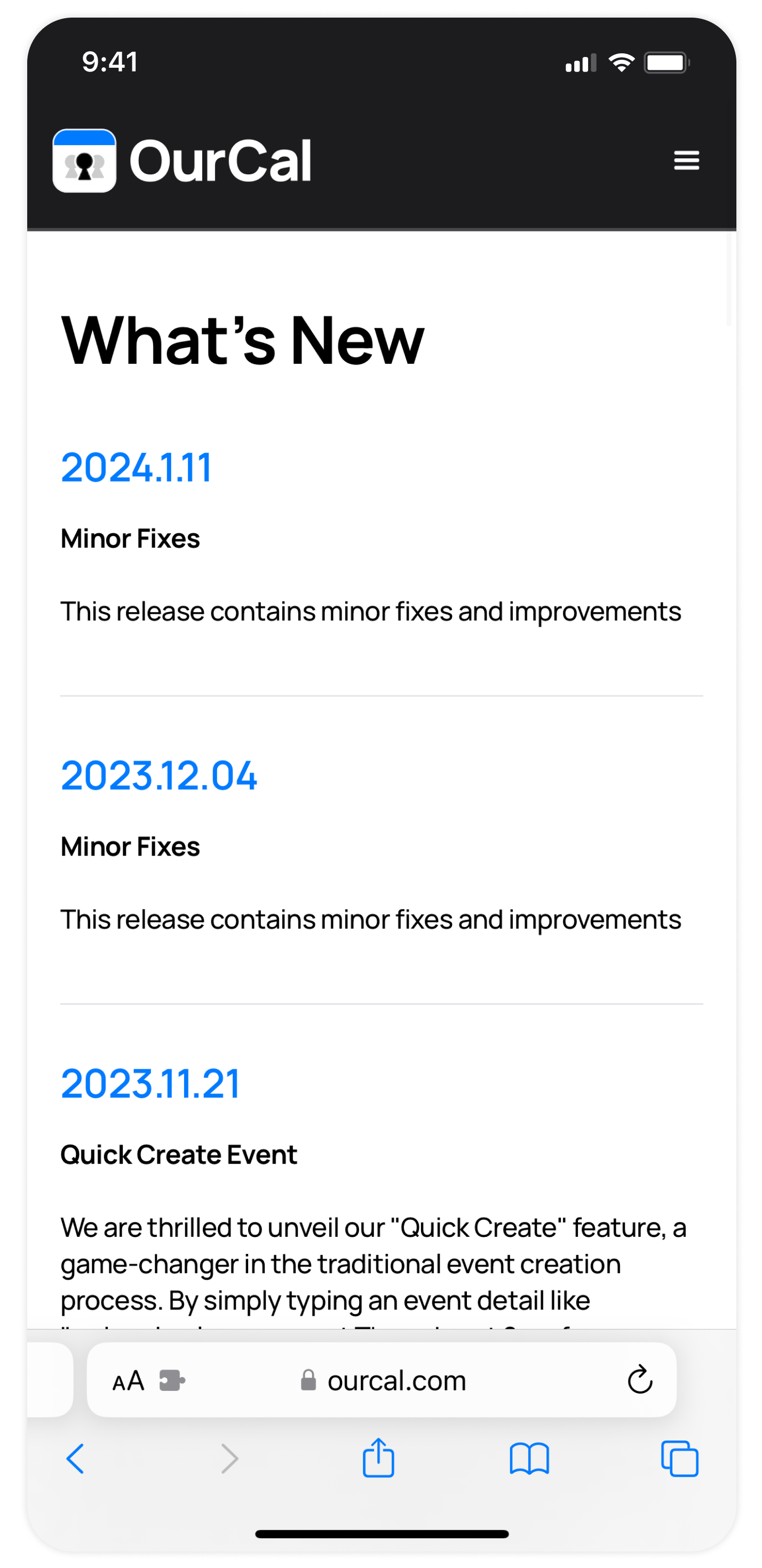
"What’s New" Blog & Updates
Introducing the “What’s New” blog. Here, we’ll share release notes every time we update OurCal, so you'll always be aware of what’s changed — from minor bug fixes to major updates.
To make sure you have the most up-to-date experience when using OurCal, we've added a section in “Settings” where you can check to see if you have the latest app version installed.
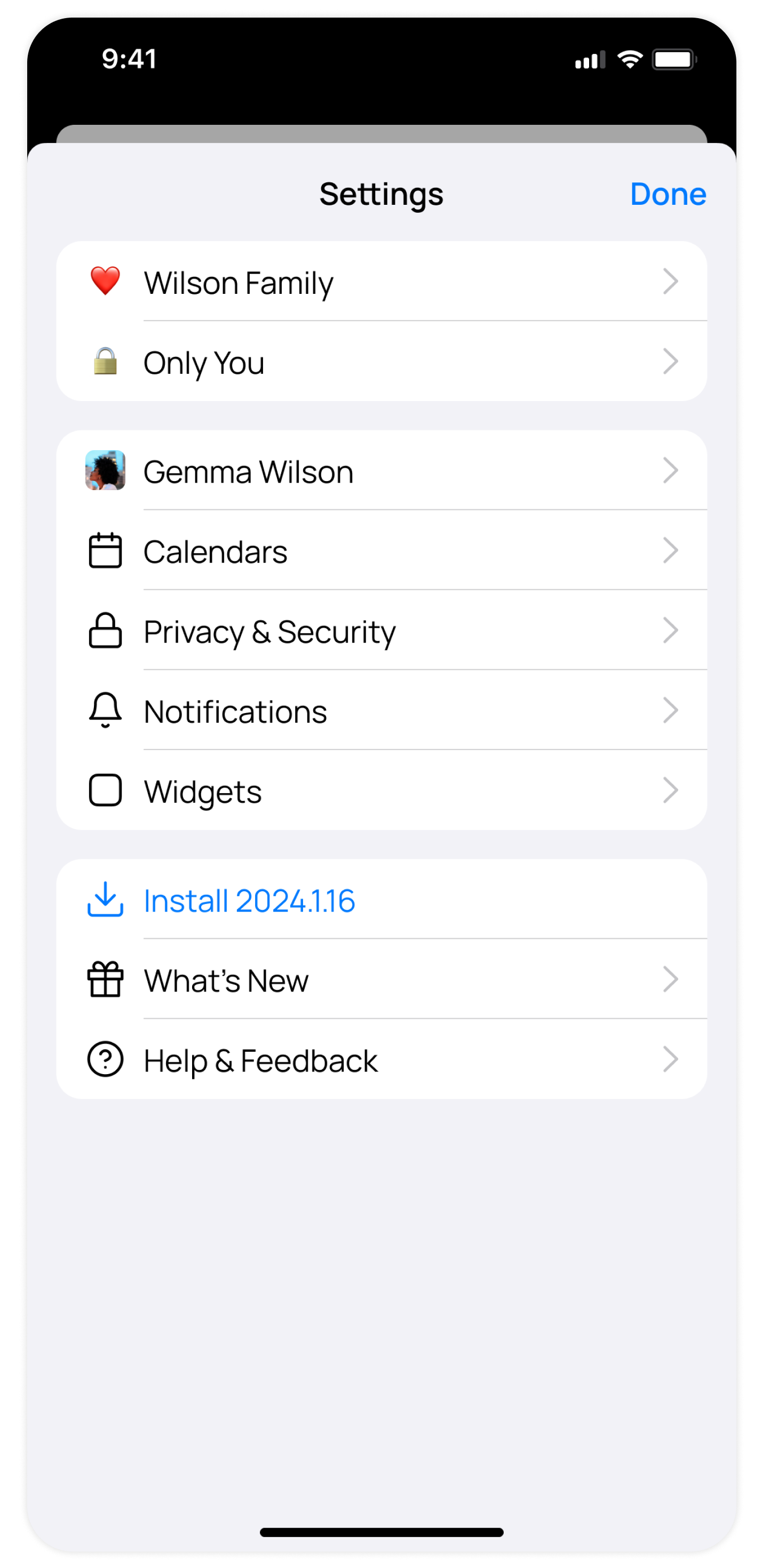
You’ll receive a notification whenever you update to a new version of OurCal. Or, if you're using an old version of the app and need to install an update, we’ll let you know.
If you prefer not to receive these alerts, no problem, you can easily disable them in “Settings” under “Notifications” — simply turn off “App Updates Available”.
This release also includes simplifications to our "Settings" screen, now with a link taking you directly to the "What's New" blog.

