Setup Reminders
It’s vitally important that you get set up on OurCal correctly to make the most of all our features.
To help everyone do so, we’re introducing reminders that will help you complete key setup actions so that you’re set up to use OurCal confidently in your everyday life.
For example, we will encourage you to complete tasks like scheduling events and adding a login method to ensure you never lose access to your account when changing devices.
To turn these off just open Settings, tap “Notifications”, and toggle off “Setup Reminders”.
Always Know Your Event Is Deleted
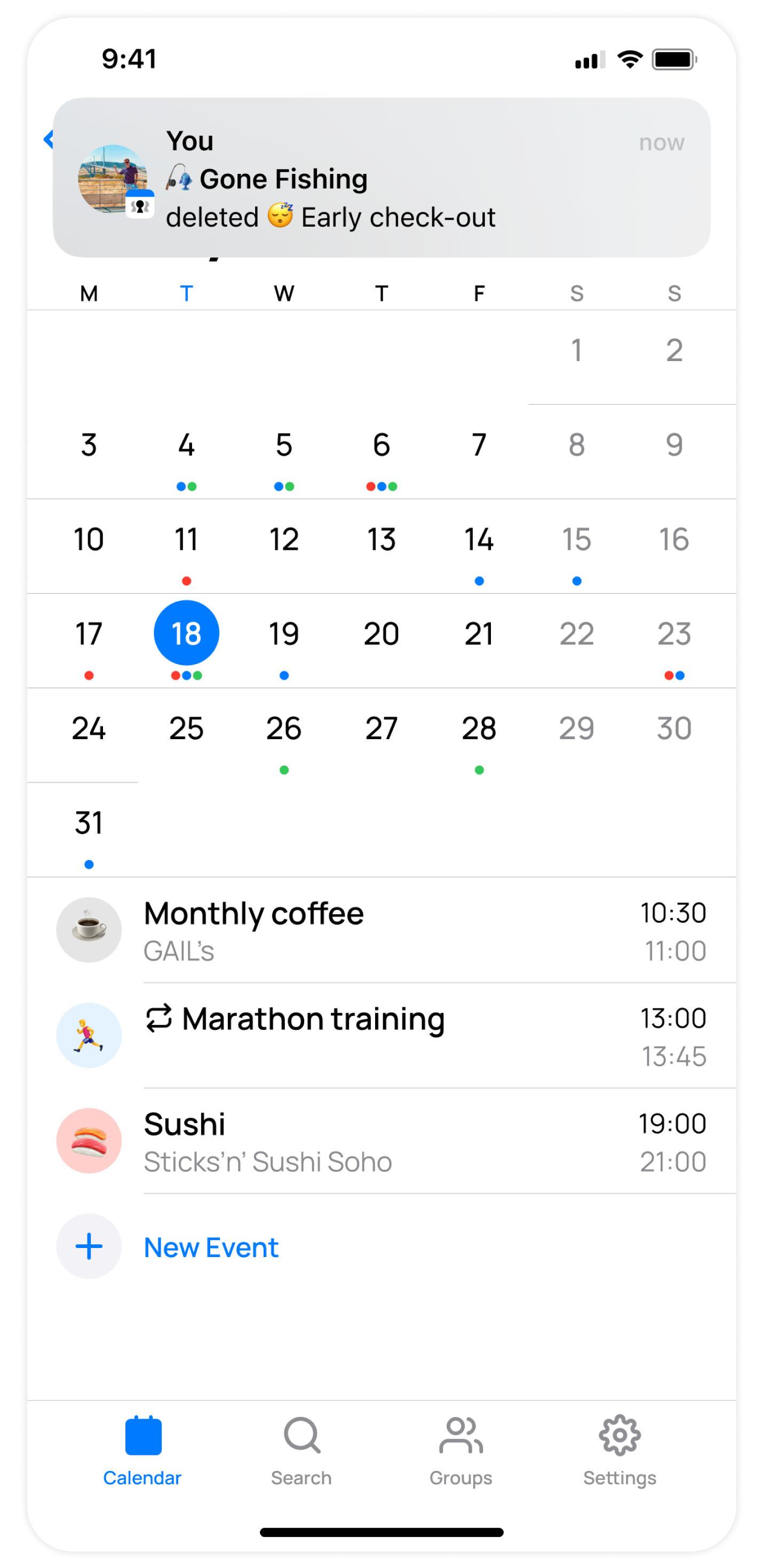
When deleting an event in the app, we confirm deletion with a notification. This notification deep links to the group, where you can discuss plans if needed.
Long Press App Icon To Give Feedback (iOS)
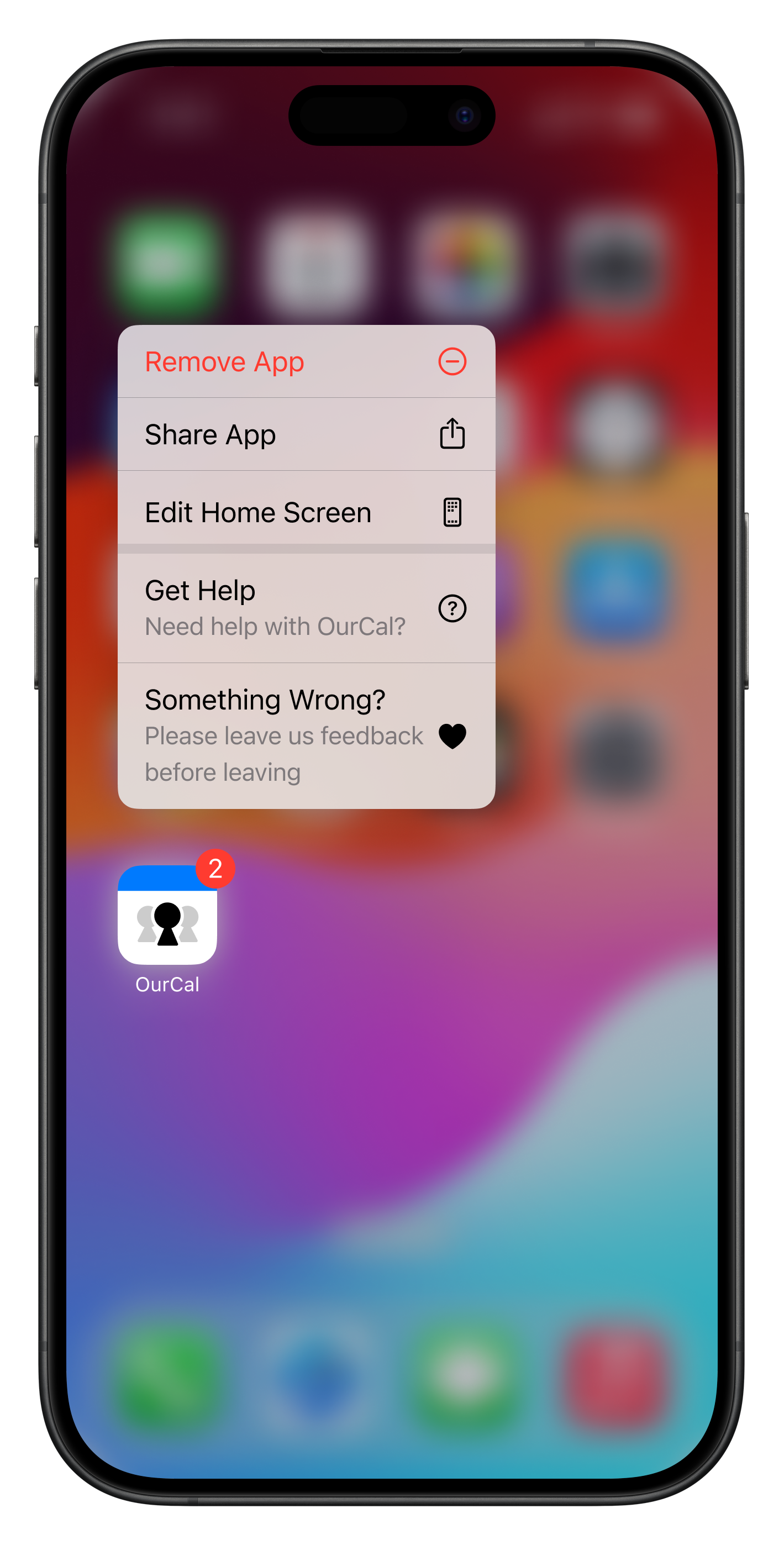
You can long press and hold the OurCal app icon to quickly reach our help centre. There, you'll find answers to frequently asked questions. If you can't find what you're looking for, you can easily contact us.
If you're considering removing the app, please take a moment to complete our feedback survey. Your input goes directly to our team, who read each response and utilise your feedback to shape future updates for OurCal.