🆕 Lock Events with Face ID/Touch ID/Biometrics
You can now require Face ID, Touch ID, or biometrics to unlock the details of selected events on all your devices.
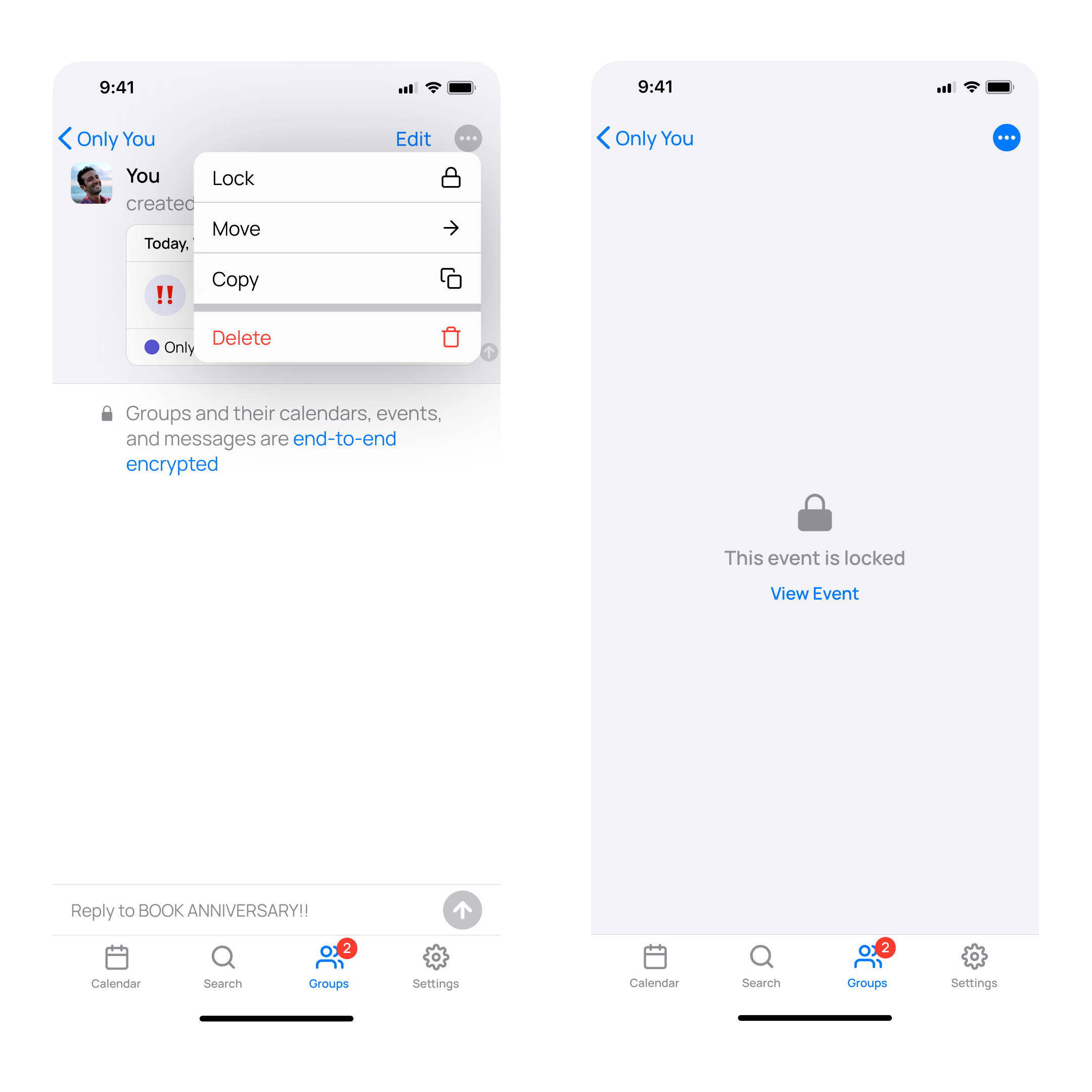
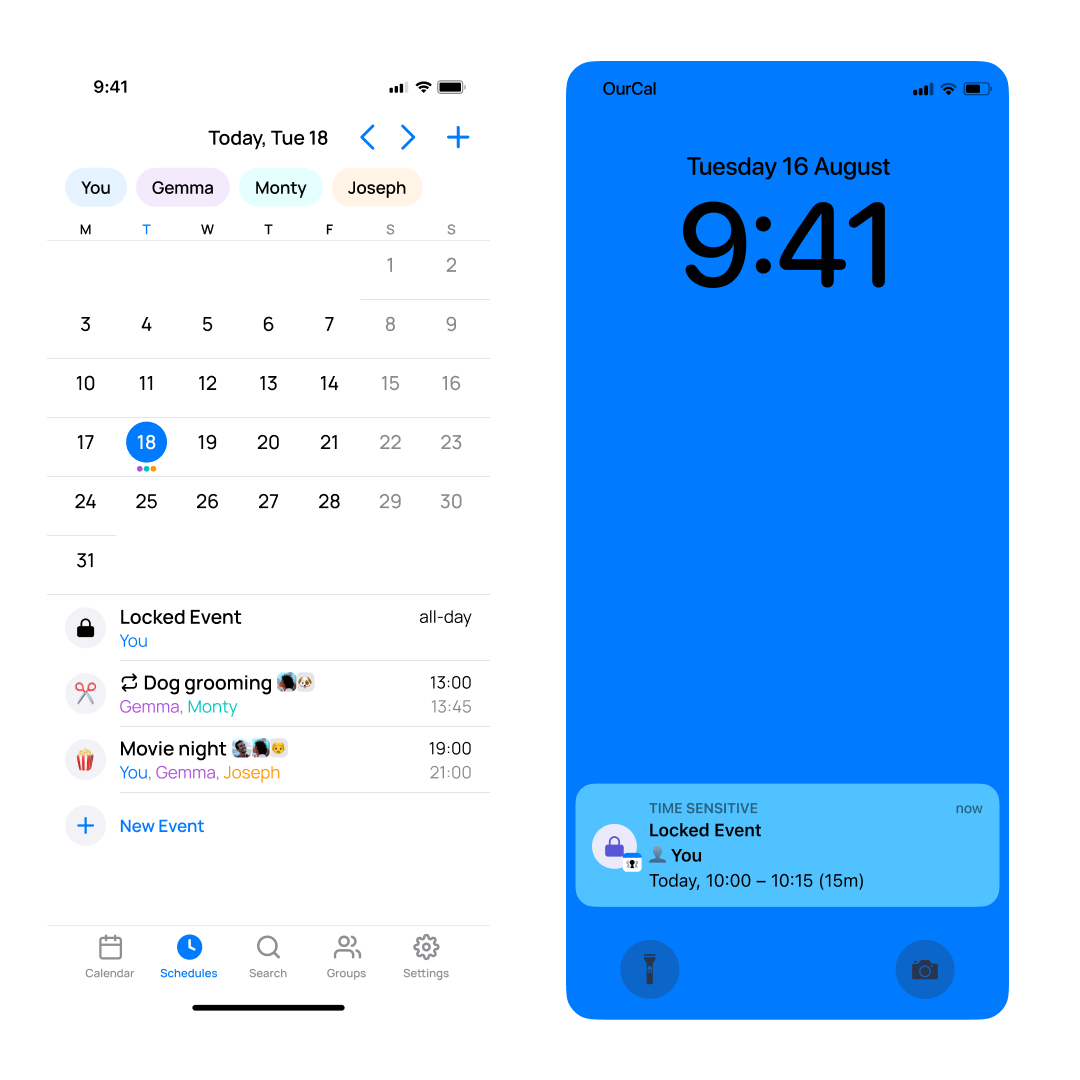
To lock an event, tap the new ⋯ More menu in the top right corner of the event screen and select 🔒 Lock. Once locked, the event’s details will be hidden throughout the app, including notifications and widgets.
So you don’t miss the event, its schedule and member list will still be visible.
To unlock, tap View Event, and you will be prompted to authenticate using Face ID, Touch ID, or biometrics.
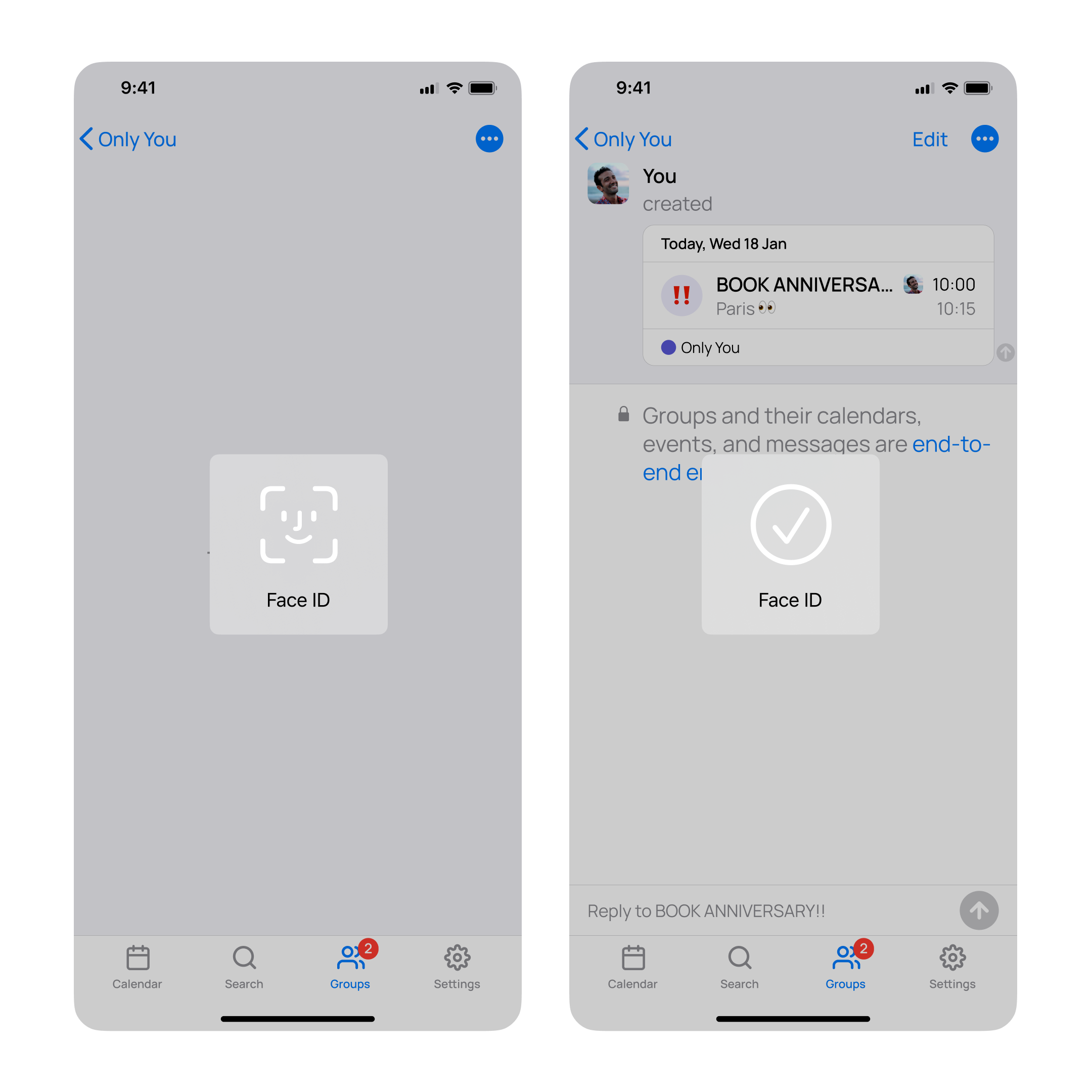
The event will automatically lock again as soon as you leave the app.
This setting does not affect other members of the group. Additionally, all events remain protected with end-to-end encryption, regardless of this feature.
iOS: Enhanced Up Next Widgets
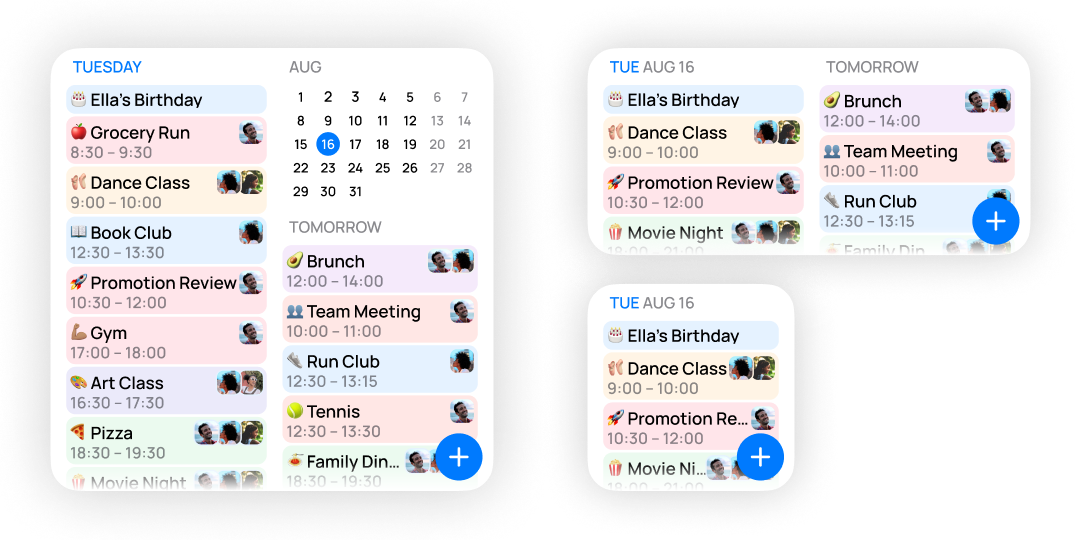
Our Up Next Home Screen widgets have been enhanced to show more of your upcoming events, even in the existing small and medium sizes. We’ve also added a new large variant for an expanded view, tappable events that link directly to the app, and a handy New Event action button for quick scheduling.
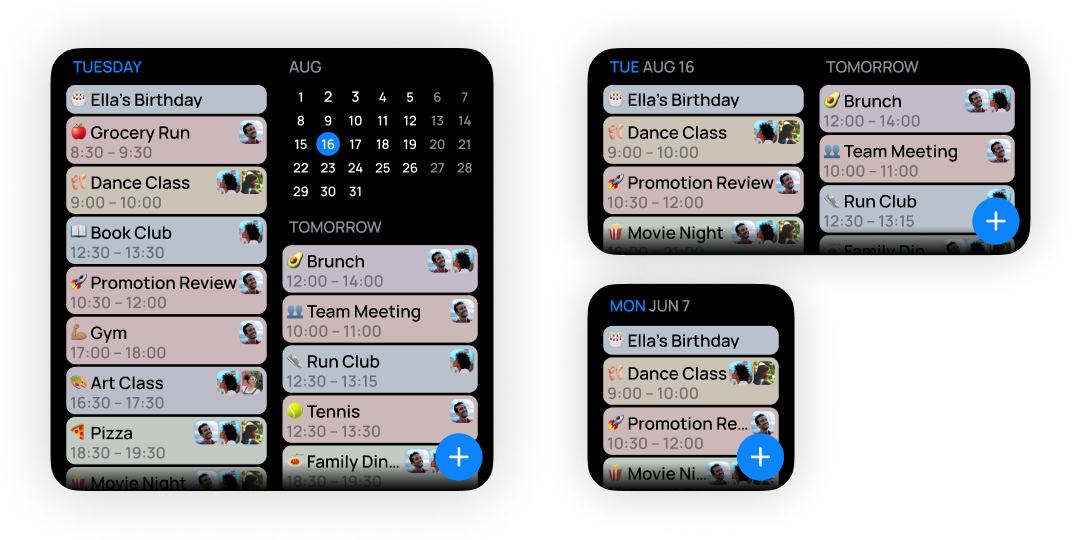
And of course, they look stunning in dark mode too.

