🆕 Set Event Time Zones Manually (Plus)
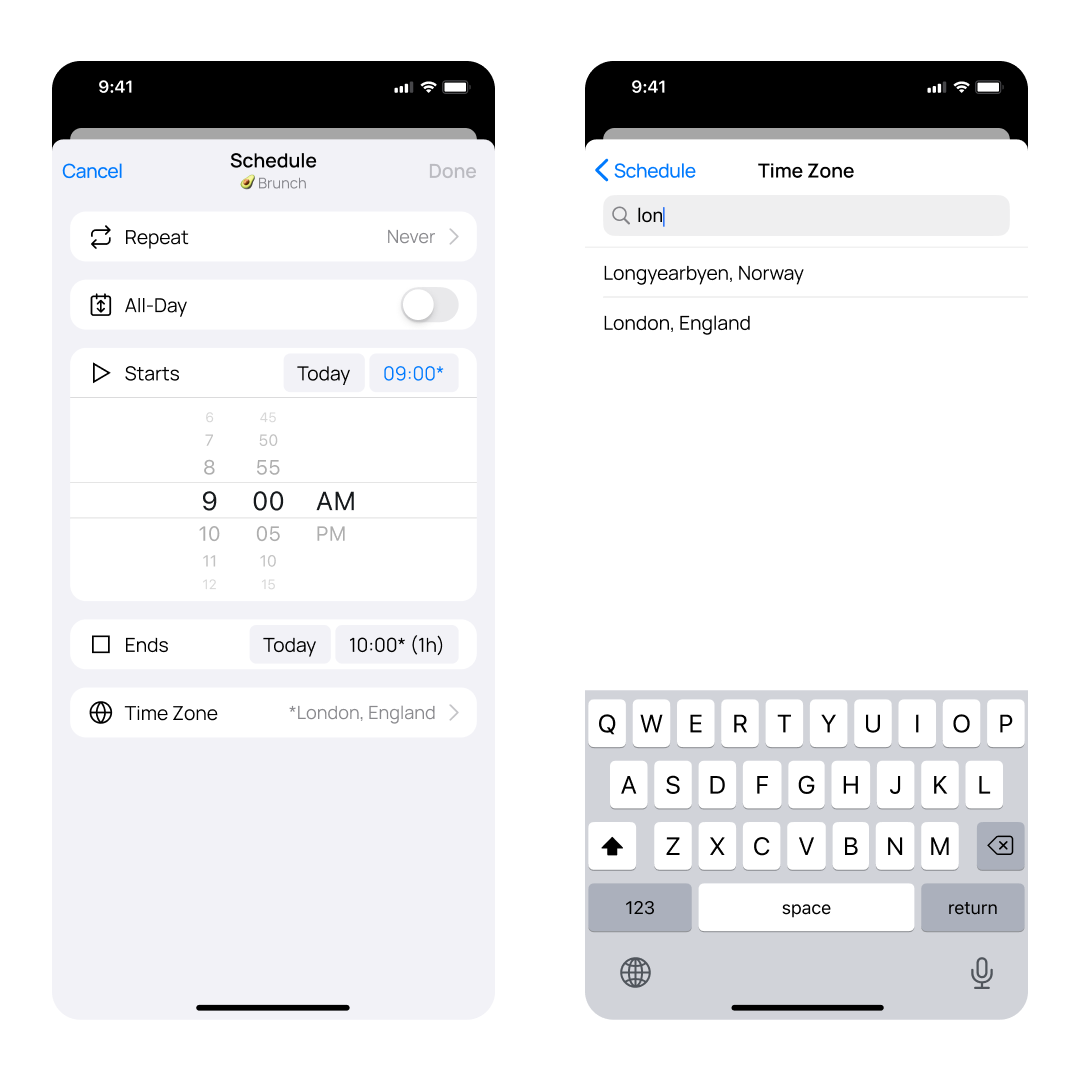
You can now manually set the time zone for any event in OurCal, making scheduling across regions easy.
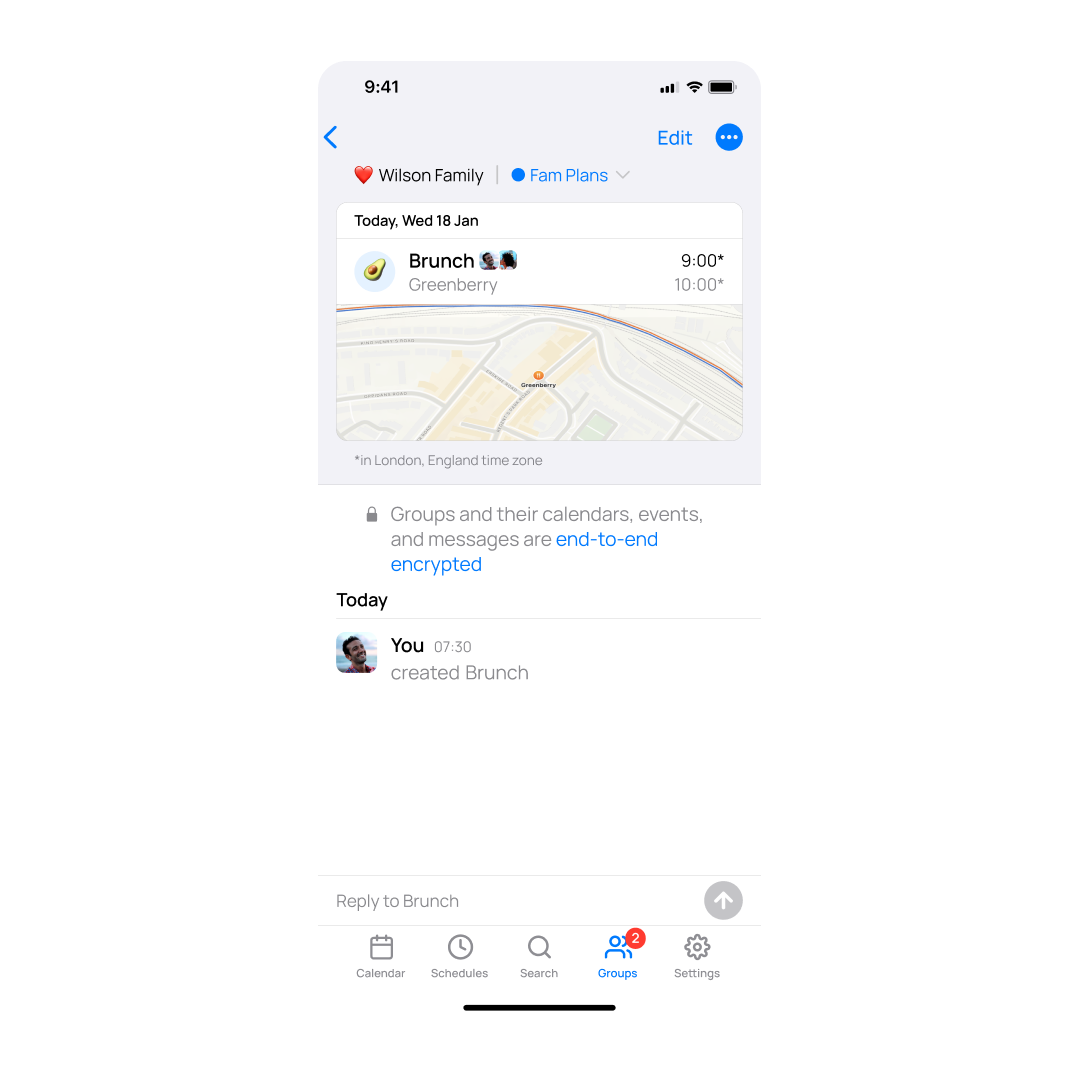
When a time zone is overridden, you’ll see an asterisk next to the event time — a clear visual cue that the event is shown in a custom time zone.
Just look for the new Time Zone option in the event scheduling screen to get started.
⚡️ Faster Event Quick Entry
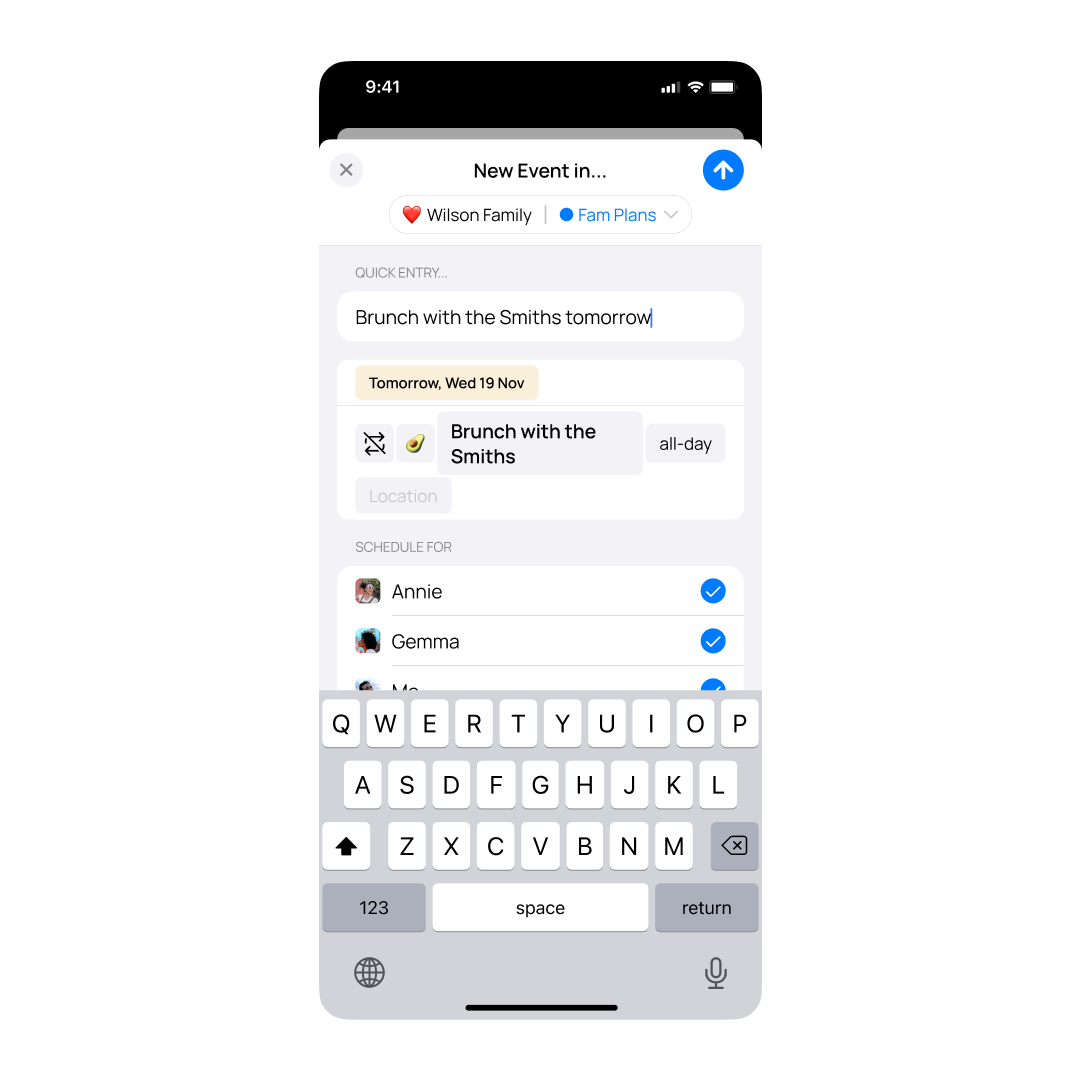
We fixed a performance issue that was causing lag in the New Event screen. Quick Entry is now five times faster and parses your input in just 20ms — adding events feels instant again.

