Built for iPhone Duo. Redesigned for iPad.
Ready for iPhone Duo
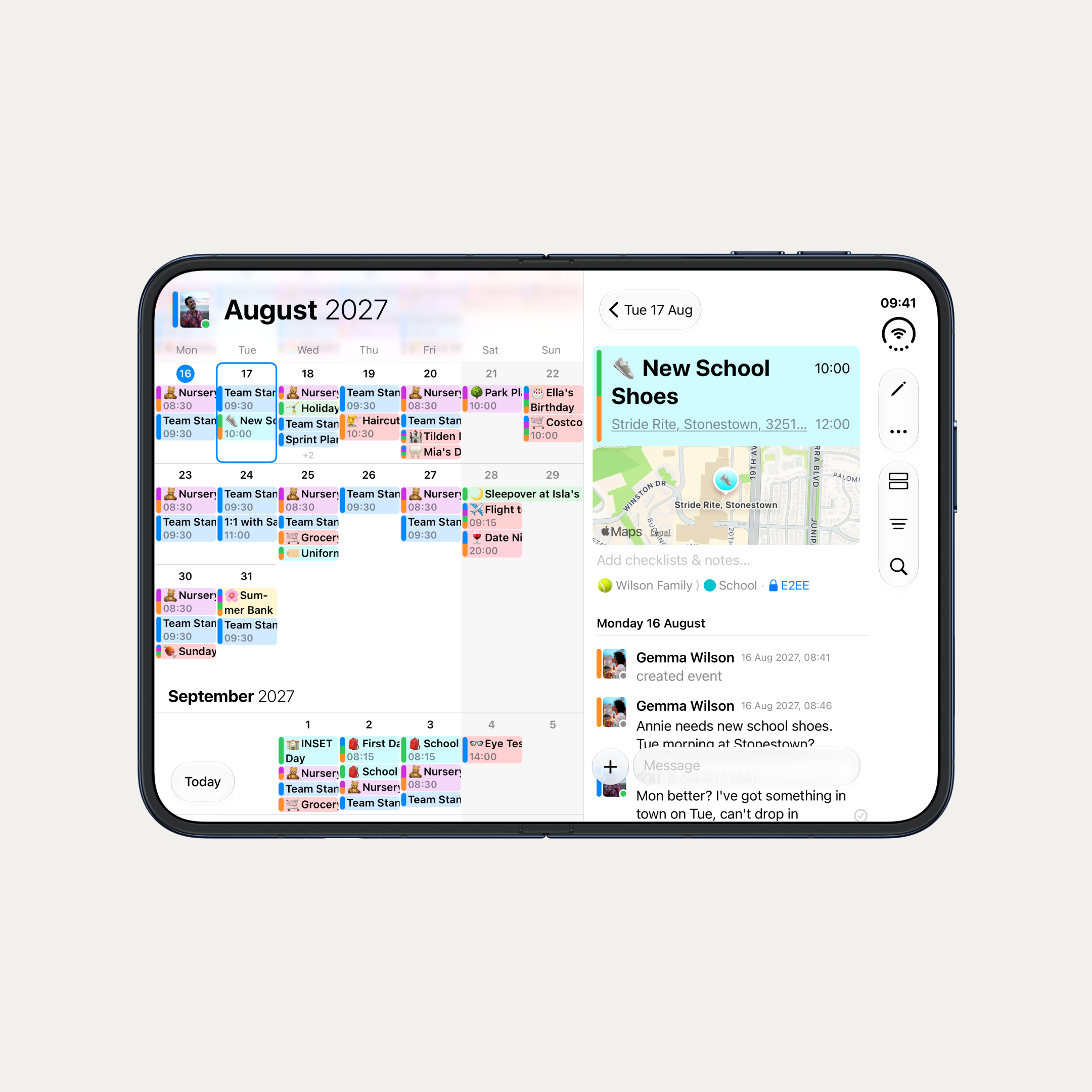
We've had early access to iPhone Duo, and OurCal is ready for it. Open it up and the selected day's agenda appears as a column beside the calendar, so you can see your week and your conversation at the same time. Content stays clear of the fold, and the agenda sheet follows how far the device is open.
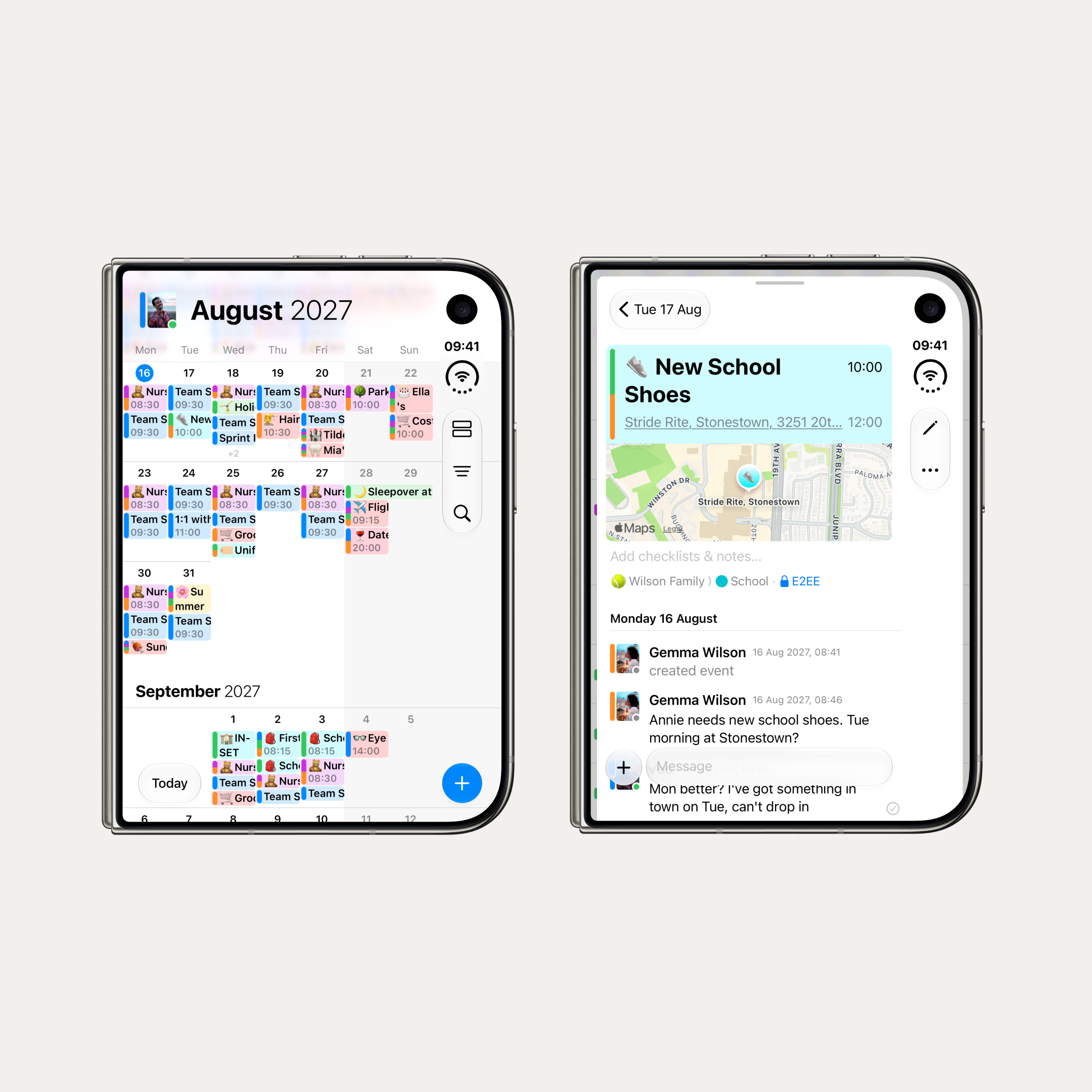
Closed, it's a compact iPhone with everything OurCal does. Every iPhone now works in landscape too. When there's room, the month title moves beside your avatar to show an extra week.
Redesigned for iPad
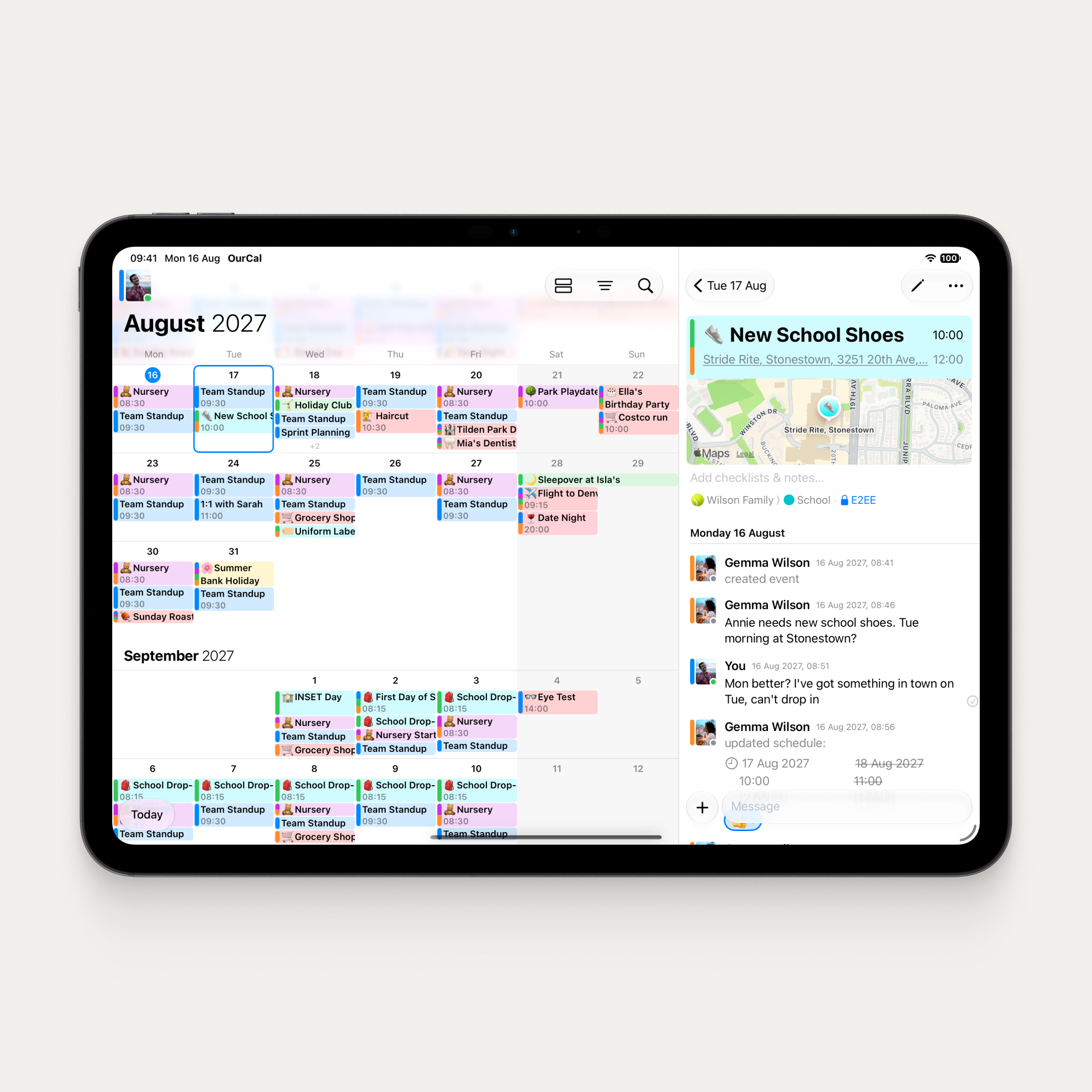
The iPhone Duo work drove a complete rethink of OurCal on wide screens, and iPad gets all of it. The agenda column sits beside the calendar, with view mode, filter, and search buttons alongside. The agenda sheet rests at half height, lined up with a week row. Search has a proper title and close button. And after a rotation, the calendar keeps the same top week with no wobble.
Week numbers and App Settings
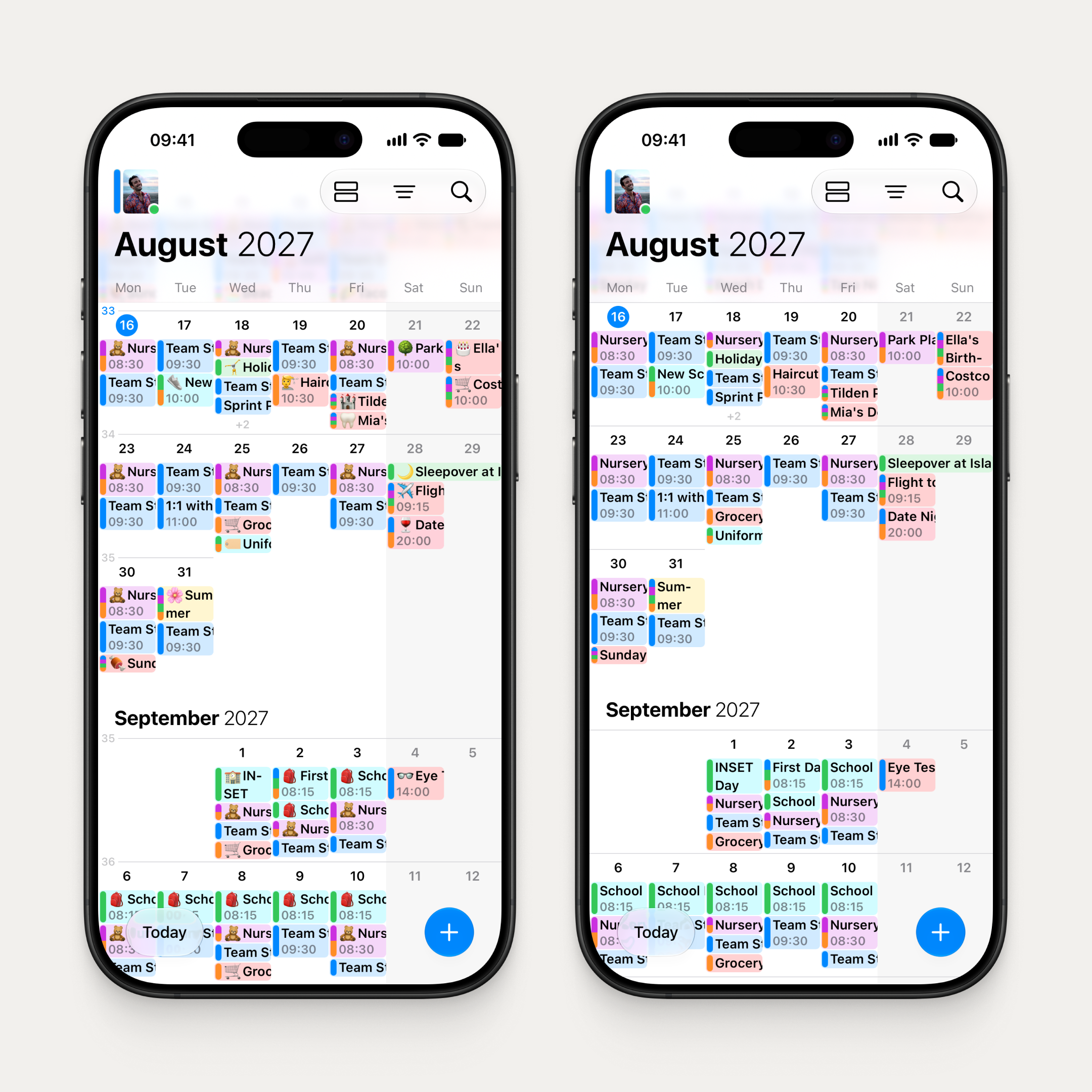
Each week row now shows its number in a narrow column at the left, with this week's tinted. On by default where your device calendar uses ISO weeks, which covers most of Europe.
Toggle it in the new App Settings screen, which replaces the App Version row. You'll also find a switch for event emojis, plus the app version and any available update.
Across iPhone, iPad, Mac, and Android.
Now on Android too
- Settings reorganised into three sections, matching iOS: Group Settings, Your Settings, and More
- Every synced calendar opens a details screen where you can change its colour and alerts, move it to this phone, or reconnect it to another calendar
- Export Events now lives in Sync to Device, matching iOS
- Invite links pasted inside a longer message now work
- Redesigned invite paste sheet with a full-width Paste button
- App update notifications open the right screen

