Message reactions
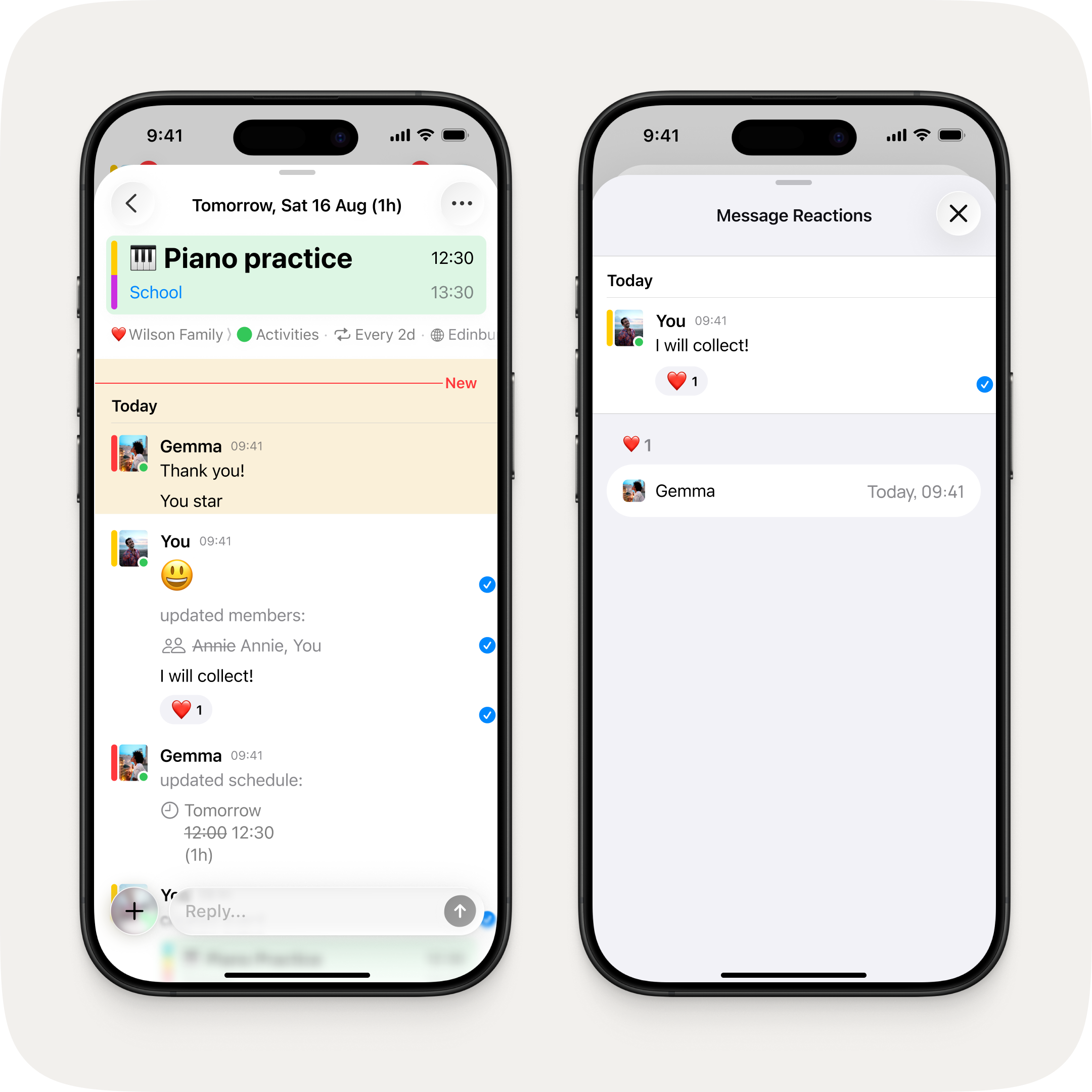
Double tap or long press any message to react with an emoji. A quick way to acknowledge, agree, or celebrate without cluttering the conversation.
Double tap or long press any message to react with an emoji. A quick way to acknowledge, agree, or celebrate without cluttering the conversation.

