Hide synced event details
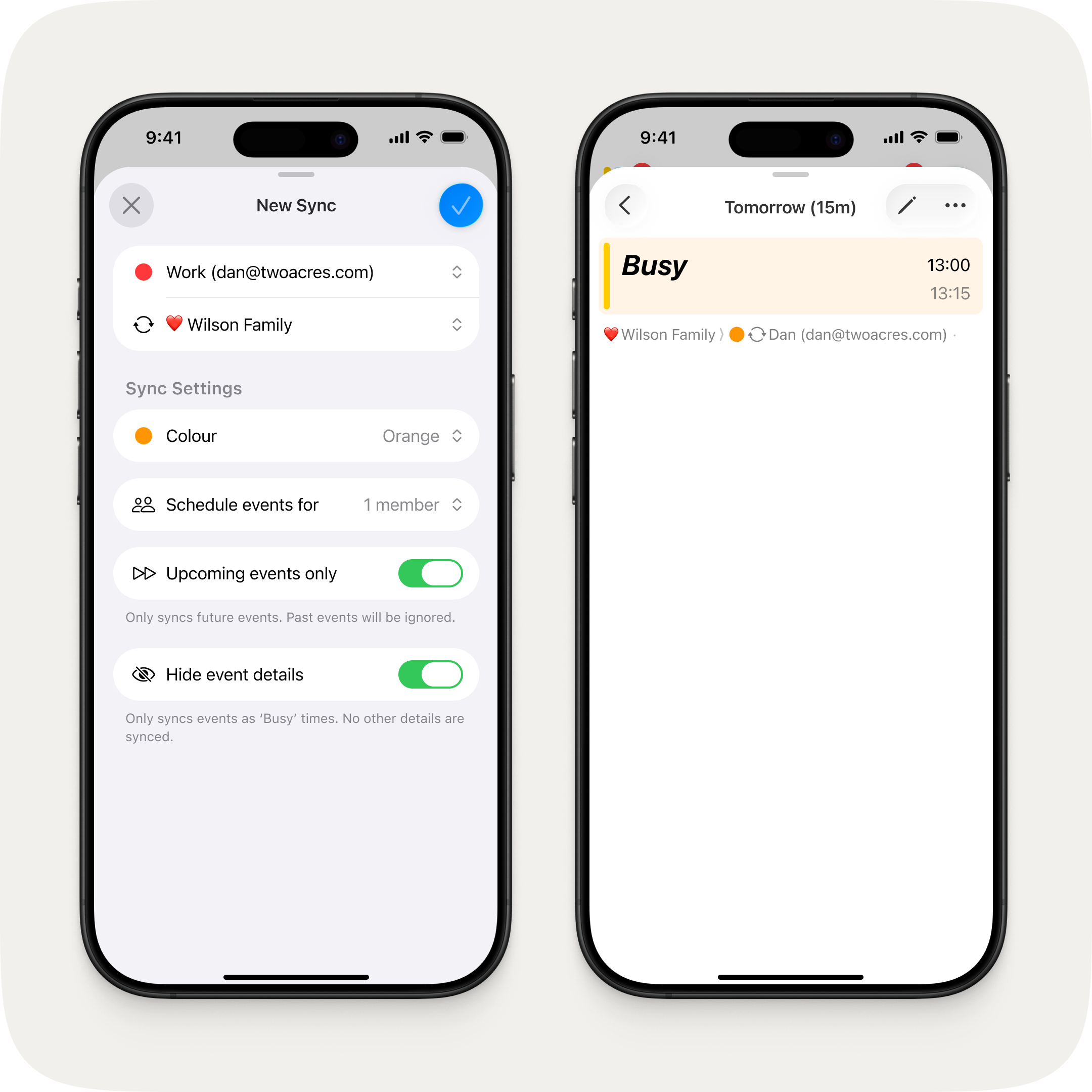
A new "Busy only" option lets you sync events as blocked time without sharing any other details. Perfect for when your group needs to see when you're free, but not what you're up to.
Edit messages
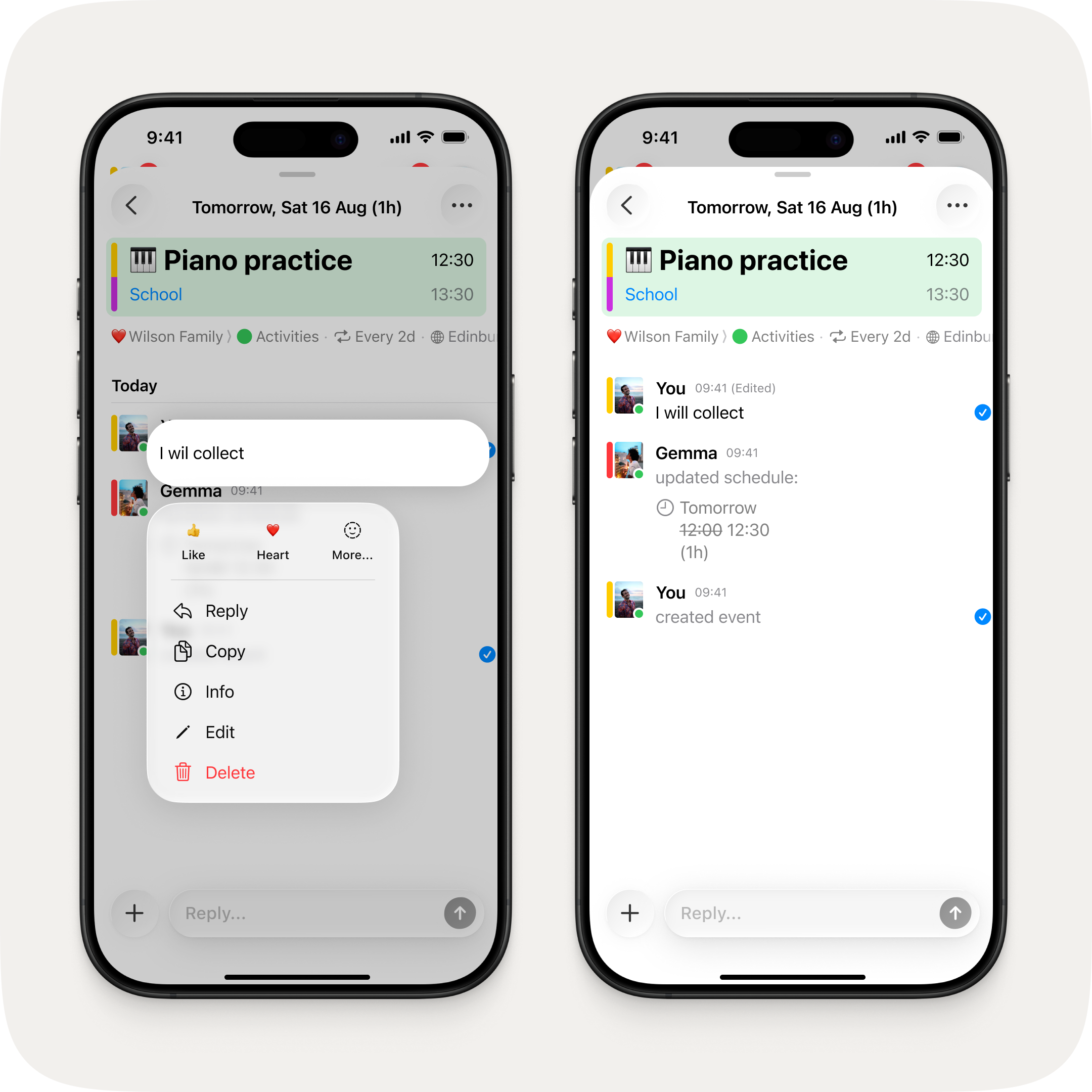
Changed your mind? Long press any message you've sent and tap edit to update it. Your group will see the updated message — no need to send a correction.
Fixes & Improvements
- Synced calendars now default to their actual colour from your device instead of blue
- You can now set a synced calendar's colour during setup
- Synced calendars are now more clearly distinguished from regular calendars throughout the app
- Links in messages now open in-app on tap
- Reaction quick actions now show labels in the long press menu
- You can only delete your own messages — other members' messages can no longer be removed by mistake
- Group name and emoji changes now show as updates in the chat
- Fixed deep linking to the same event sending a duplicate push notification
- Fixed deep linking via widget doubling up the navigation stack
- Fixed update notifications being cleared before you could open them
- Fixed event creation messages marking the channel as unread for the sender
- Fixed notifications showing incorrect relative dates for event alerts
- Fixed online status not working on first sign-up until force restarting
- Fixed editing a calendar colour created by another member causing it to duplicate
- Various UI refinements

