Release notes

What’s new.

Every OurCal update, newest first. See what’s coming next.

2024.9.24

September 26, 2024

🆕 Lock Events with Face ID/Touch ID/Biometrics

You can now require Face ID, Touch ID, or biometrics to unlock the details of selected events on all your devices.

__wf_reserved_inherit

To lock an event, tap the new ⋯ More menu in the top right corner of the event screen and select 🔒 Lock. Once locked, the event’s details will be hidden throughout the app, including notifications and widgets.

So you don’t miss the event, its schedule and member list will still be visible.

__wf_reserved_inherit

To unlock, tap View Event, and you will be prompted to authenticate using Face ID, Touch ID, or biometrics.

__wf_reserved_inherit

The event will automatically lock again as soon as you leave the app.

This setting does not affect other members of the group. Additionally, all events remain protected with end-to-end encryption, regardless of this feature.

iOS: Enhanced Up Next Widgets

__wf_reserved_inherit

Our Up Next Home Screen widgets have been enhanced to show more of your upcoming events, even in the existing small and medium sizes. We’ve also added a new large variant for an expanded view, tappable events that link directly to the app, and a handy New Event action button for quick scheduling.

__wf_reserved_inherit

And of course, they look stunning in dark mode too.

2024.9.17

September 16, 2024

__wf_reserved_inherit

This is our iOS 18 special! 🎁 As a result the below features are iPhone only.

🆕 Light, Dark, and Tinted App Icon

__wf_reserved_inherit

OurCal's app icon now supports light, dark, and tinted modes available in iOS 18.

🆕 Siri Shortcuts

__wf_reserved_inherit

OurCal now works with Shortcuts. We’ve added two new shortcuts:

  1. New Event: Create an OurCal event anywhere from your phone without opening OurCal
  2. Open New Event: Open the OurCal app at the new event screen

You can run both of these via Siri or from a shortcut. Both are incredibly useful depending on your workflow.

🆕 Search for OurCal Events in Spotlight Search

__wf_reserved_inherit

OurCal now integrates with Spotlight Search. This lets you search for OurCal events without having to open the app.

Simply drag down on your Home Screen to access Spotlight Search on your iPhone. You can disable these for OurCal under “Siri & Search” in iPhone Settings.

🆕 Apple Intelligence Personal Context Integration

__wf_reserved_inherit

OurCal events now form part of your Apple Intelligence personal context. This will enable brand new experiences with Siri in the future, giving it an understanding of your OurCal schedule to be more helpful than ever.

You can disable this for OurCal under “Siri & Search” in iPhone Settings.

🆕 Control Centre Control

__wf_reserved_inherit

You can now add a New Event control to your iPhone’s Control Centre. This makes it much faster to add an event to OurCal anywhere from your iPhone.

2024.9.16

September 15, 2024

__wf_reserved_inherit

This is our iOS 18 special! 🎁 As a result the below features are iPhone only.

🆕 Light, Dark, and Tinted App Icon

__wf_reserved_inherit

OurCal's app icon now supports light, dark, and tinted modes available in iOS 18.

🆕 Siri Shortcuts

__wf_reserved_inherit

OurCal now works with Shortcuts. We’ve added two new shortcuts:

  1. New Event: Create an OurCal event anywhere from your phone without opening OurCal
  2. Open New Event: Open the OurCal app at the new event screen

You can run both of these via Siri or from a shortcut. Both are incredibly useful depending on your workflow.

🆕 Search for OurCal Events in Spotlight Search

__wf_reserved_inherit

OurCal now integrates with Spotlight Search. This lets you search for OurCal events without having to open the app.

Simply drag down on your Home Screen to access Spotlight Search on your iPhone. You can disable these for OurCal under “Siri & Search” in iPhone Settings.

🆕 Apple Intelligence Personal Context Integration

__wf_reserved_inherit

OurCal events now form part of your Apple Intelligence personal context. This will enable brand new experiences with Siri in the future, giving it an understanding of your OurCal schedule to be more helpful than ever.

You can disable this for OurCal under “Siri & Search” in iPhone Settings.

🆕 Control Centre Control

__wf_reserved_inherit

You can now add a New Event control to your iPhone’s Control Centre. This makes it much faster to add an event to OurCal anywhere from your iPhone.

2024.9.9

September 10, 2024

Minor Fixes

This release contains minor fixes and improvements

2024.9.5

September 5, 2024

Minor Fixes

This release contains minor fixes and improvements

2024.9.4

September 4, 2024

Minor Fixes

This release contains minor fixes and improvements

2024.9.2

September 3, 2024

Minor Fixes

This release contains minor fixes and improvements

2024.8.29

August 30, 2024

🆕 Profiles for Non-Users Like Pets & Kids (Plus)

__wf_reserved_inherit

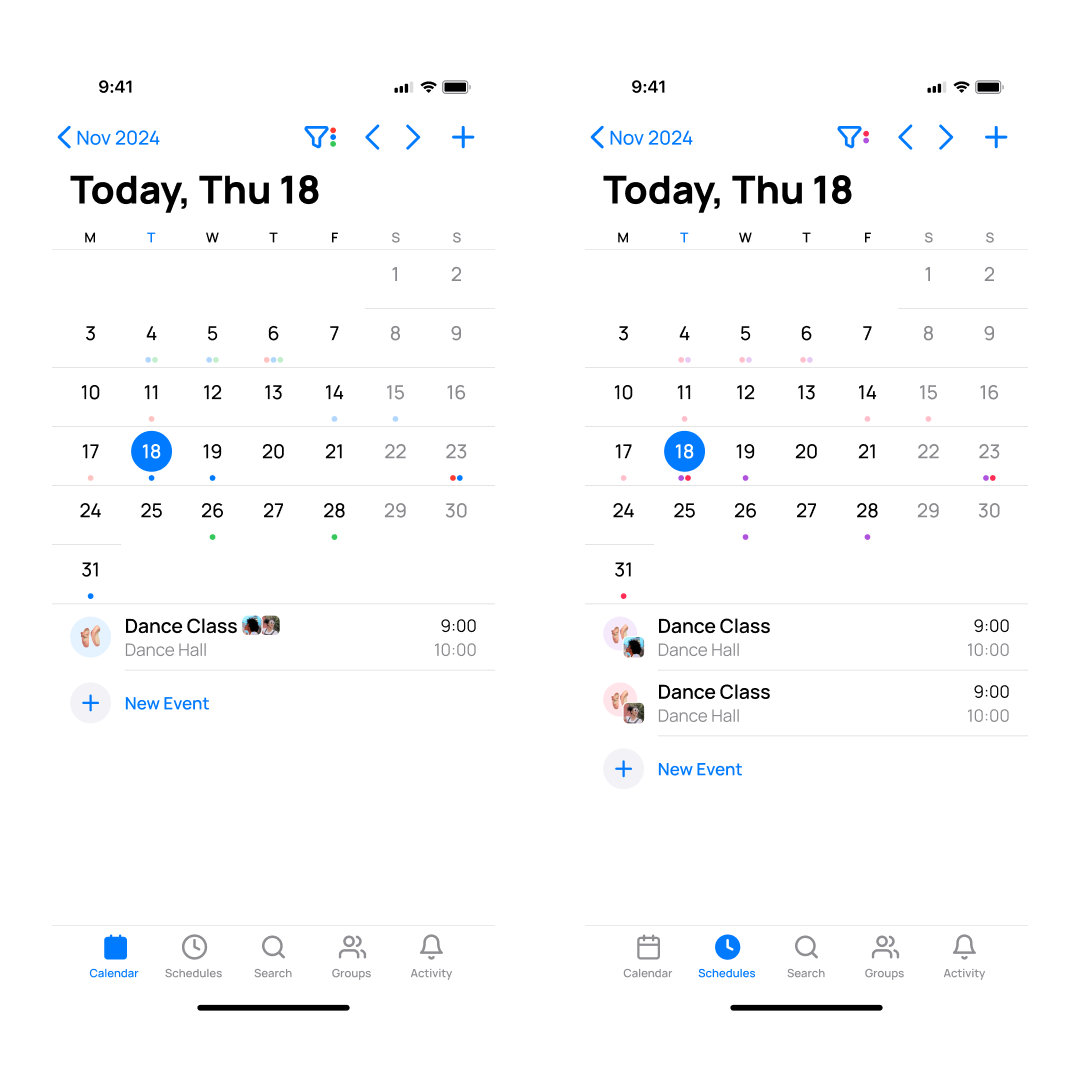
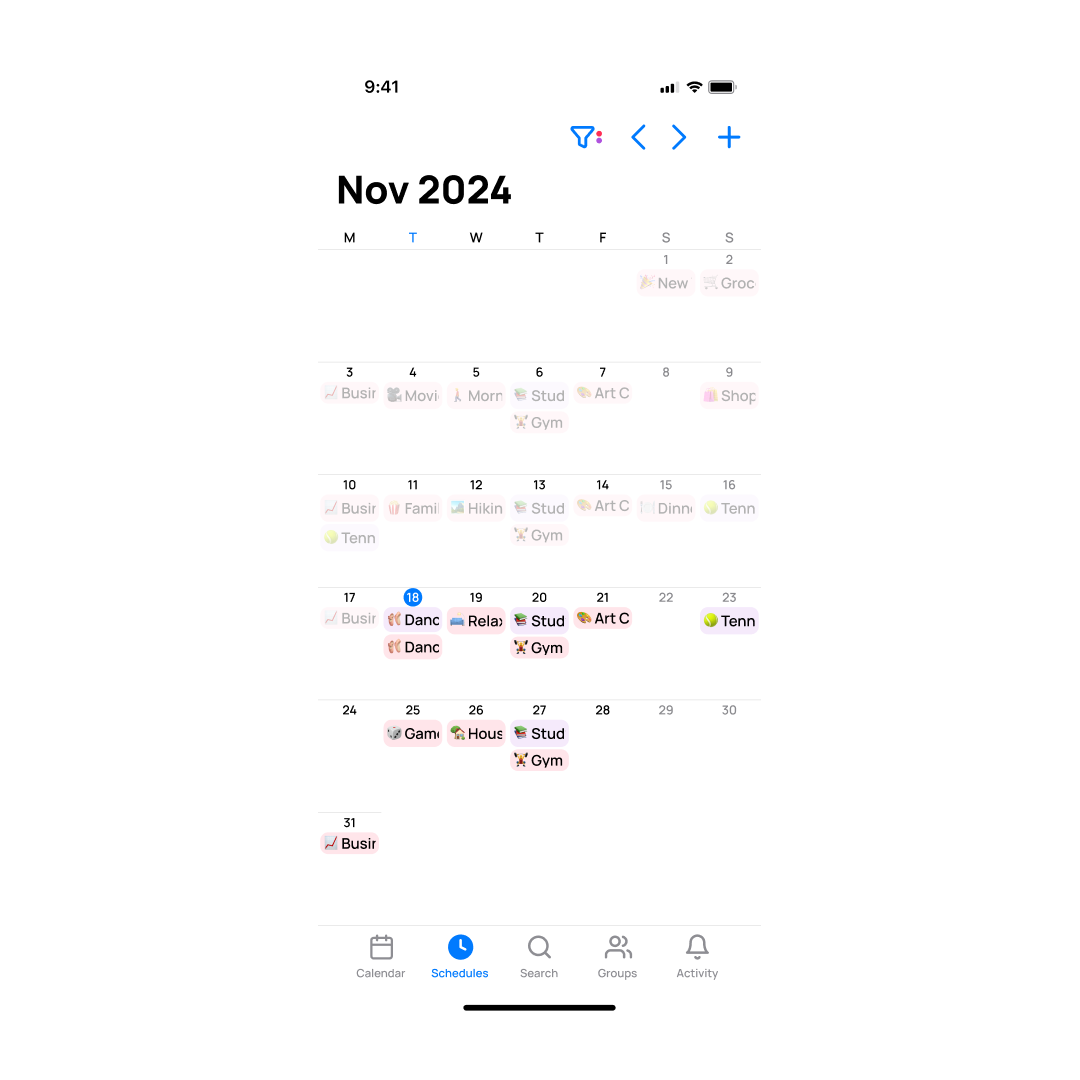
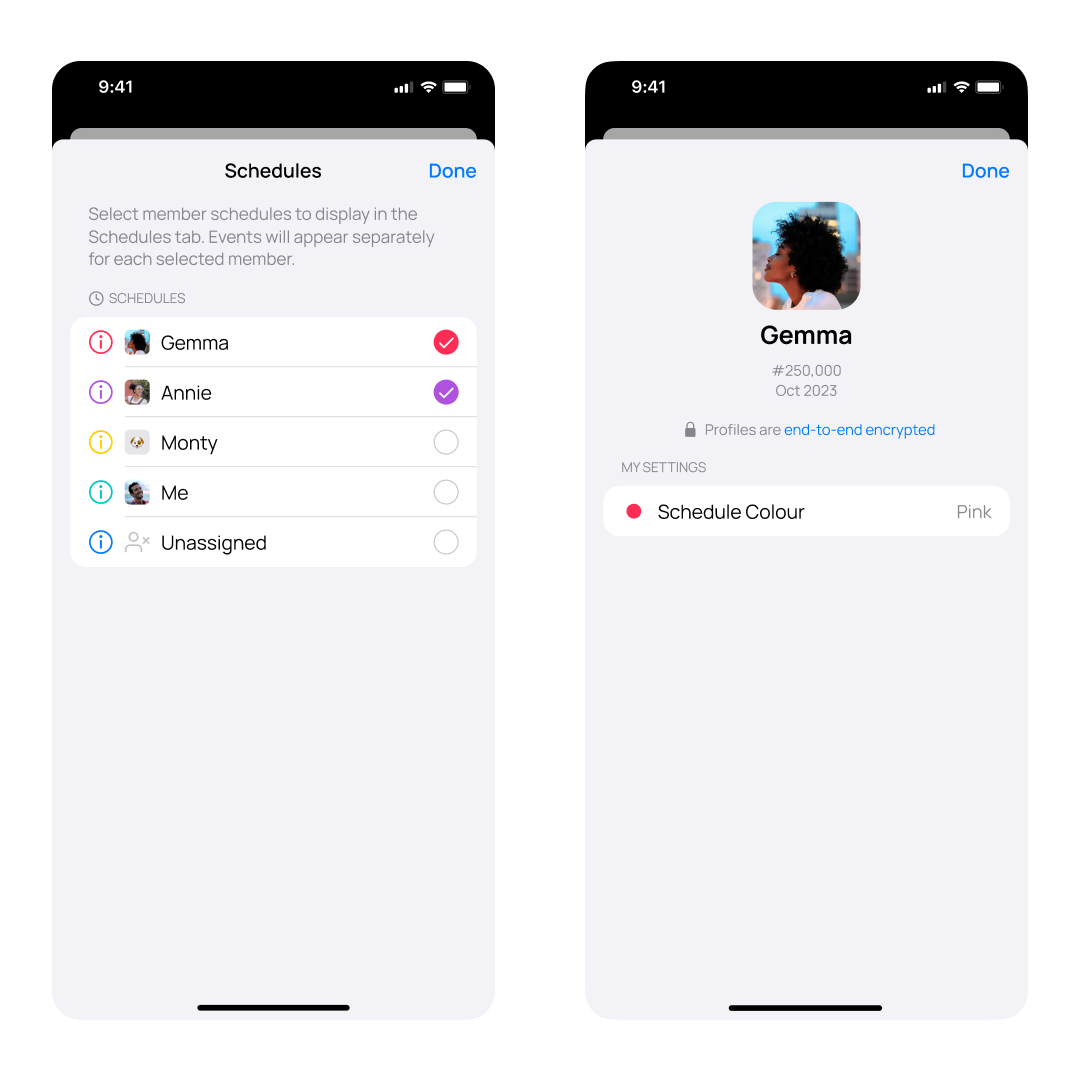
You can now add non-user profiles to your OurCal groups to schedule events for members who don’t have the OurCal app like pets & kids.

These non-user profiles show up in the schedules tab just like any other member, allowing you to view and manage their schedules with ease.

If you’re using OurCal for work, you can use this new feature to represent clients who you don’t want to give group access.

🆕 Enhanced Event Alerts (iOS)

__wf_reserved_inherit

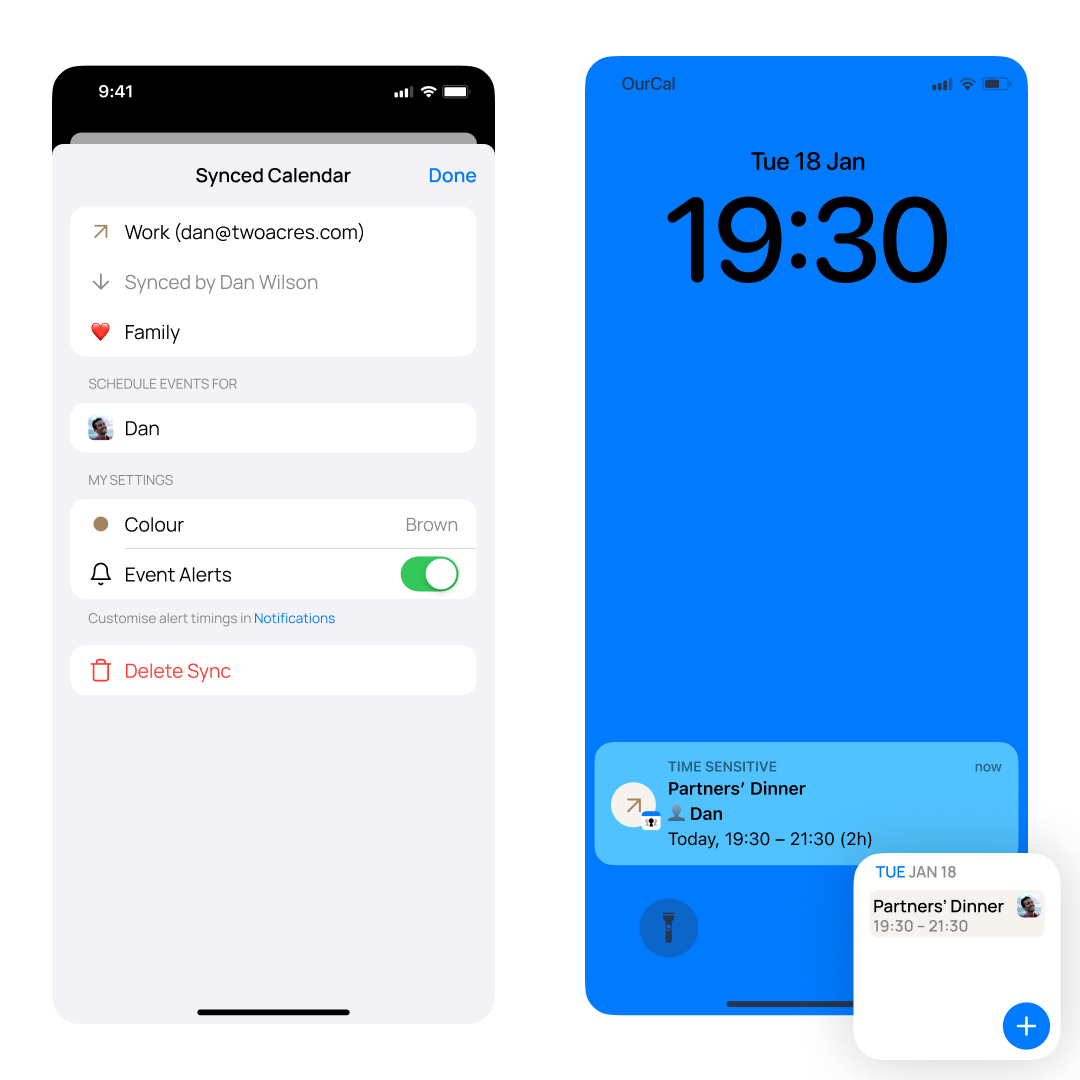
Event notifications on iOS are now more informative. They include the event’s avatar, making it easier to see which event is starting. You can also see the names of the people involved in the event directly in the notification, so there’s no need to open the app to find out.

🆕 Quick Event Emoji Suggestions

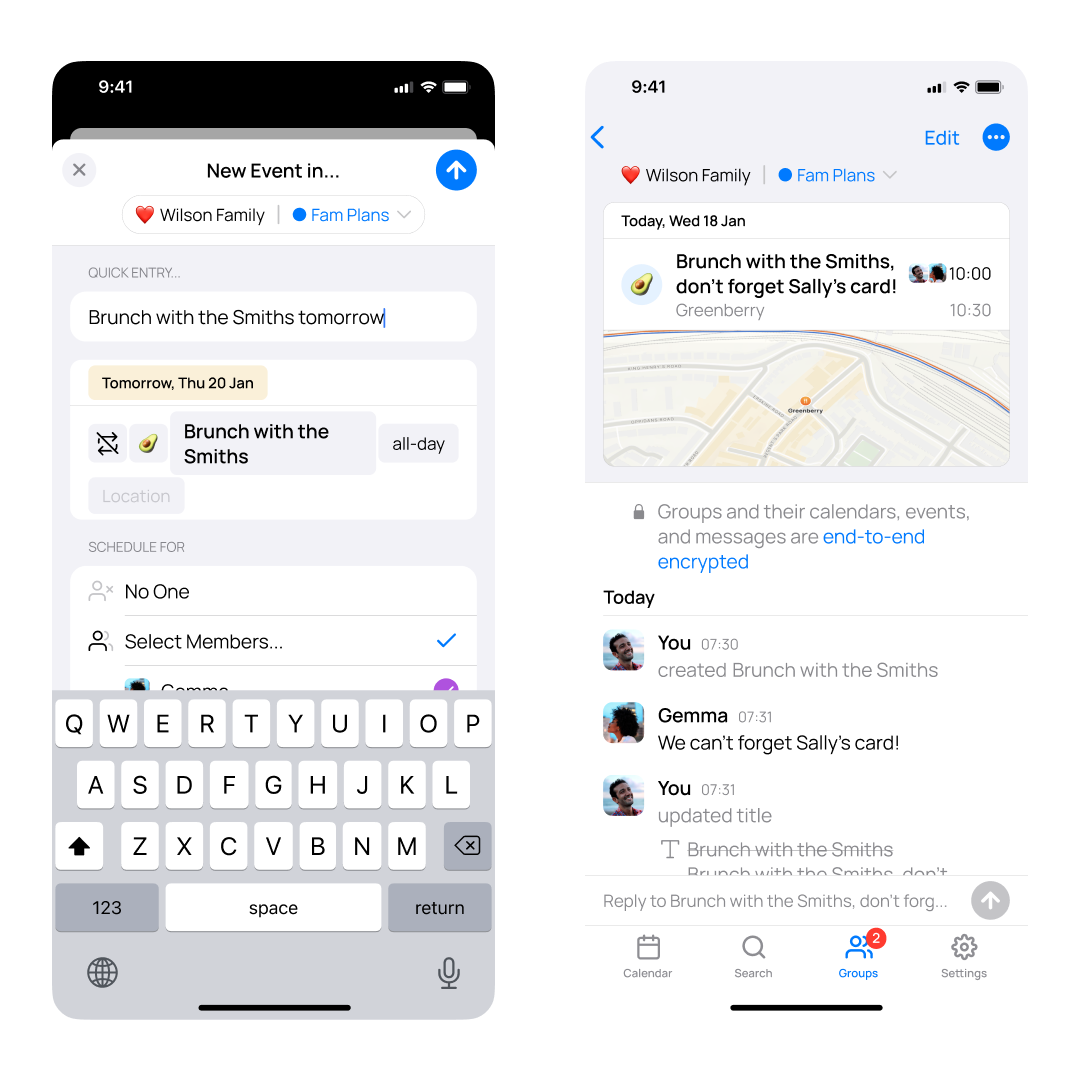
When you create an event using the quick entry option, OurCal now suggests a relevant emoji based on the event details you enter. This process happens entirely on your device to protect your privacy. If you prefer a different emoji, you can change it with a single tap.

We’ve also made the quick entry form faster, so it keeps up smoothly, even if you type quickly.

Minor Fixes

This update also includes several smaller improvements, such as fixing issues with setting group emojis when creating a group, correcting the colours for external calendars, and making various other enhancements to improve your experience.

2024.8.21

August 21, 2024

🆕 External Calendars Now Listed Under Only You Group (Plus)

__wf_reserved_inherit

The external calendars feature has been given a dedicated menu in the Settings tab with the new ability to hide select external calendars throughout the app, widgets, and event alerts.

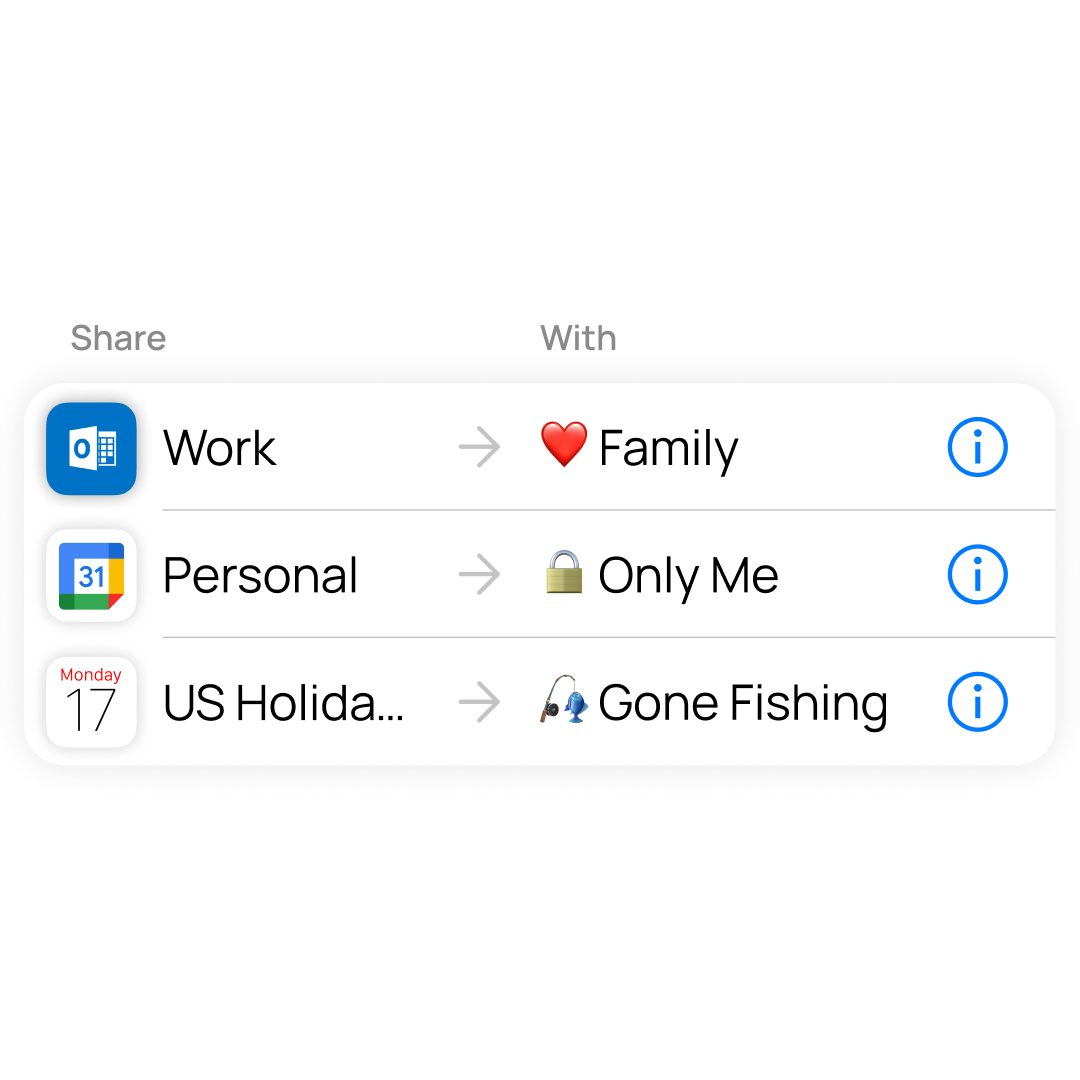
External Calendars are now listed under the Only You group too, more clearly highlighting that external calendars are never shared with anyone.

🆕 Unlimited Event History (Plus)

__wf_reserved_inherit

Plus users can now access all of their past events in OurCal. Previously, only events from the last three months were visible in the calendar tab or search results.

2024.8.15

August 15, 2024

Minor Fixes

This release contains minor fixes and improvements

2024.8.2

August 2, 2024

Minor Fixes

This release contains minor fixes and improvements

2024.8.1

August 1, 2024

🆕 Delete Messages

__wf_reserved_inherit

You can now delete messages in groups and event threads by long pressing on them and tapping Delete Message.

Thank you to everyone who upvoted this feature on our public roadmap.

🆕 Plus for Groups

Groups can now be upgraded to Plus, giving all members full Plus benefits within that group.

This allows couples, families, and friends to use Plus in their group with a single subscription.

The result is Plus is now more affordable for everyone, especially for larger groups.

Plus for Individuals

We no longer sell new individual Plus subscriptions but existing subscribers can continue to use all of their Plus benefits in all of their groups.

Fixed Custom Calendar Issue for Basic Plan Users

We resolved a bug that was preventing free users from adding or editing events on custom calendars.

Fixed External Calendar Events Not Showing in Widgets

Plus users with external calendars will now correctly see these events in OurCal's widgets if configured to show.

Fixed Default Event Emoji

When creating a new event the emoji will now correctly default to the selected calendar's emoji.