2025.5.2
May 2, 2025
Minor Fixes
This release contains minor fixes and improvements
May 2, 2025
This release contains minor fixes and improvements
April 25, 2025
You can now transfer an OurCal+ subscription from a group that’s been deleted or that you’ve left.
If a group you previously upgraded to Plus is no longer active, you’ll see an option to move the subscription to another group. This helps keep your subscription useful and up to date.
You can find this feature in OurCal’s Settings tab → Plus, by selecting "Assign" next to the inactive group.
This release contains minor fixes and improvements
April 23, 2025
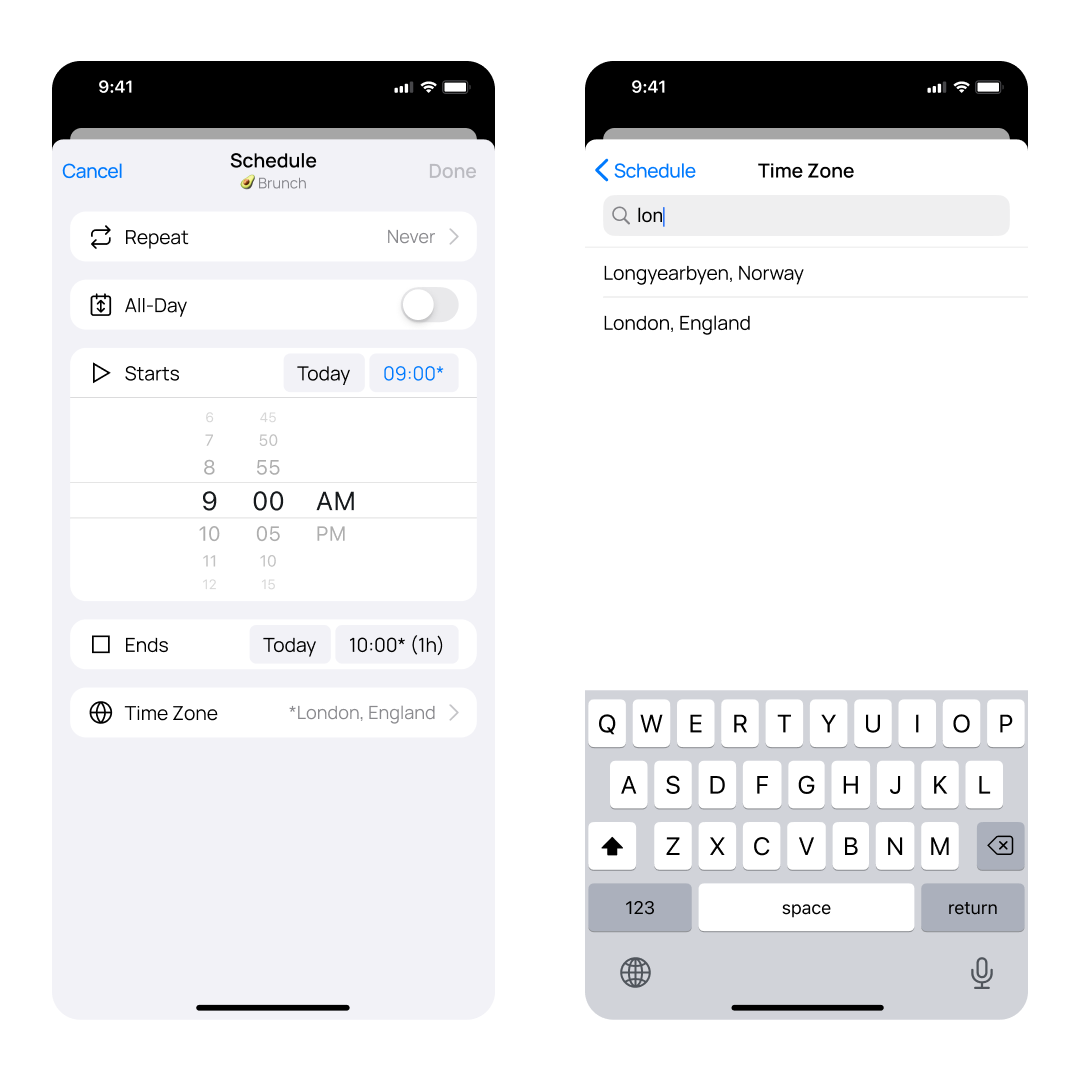
You can now manually set the time zone for any event in OurCal, making scheduling across regions easy.
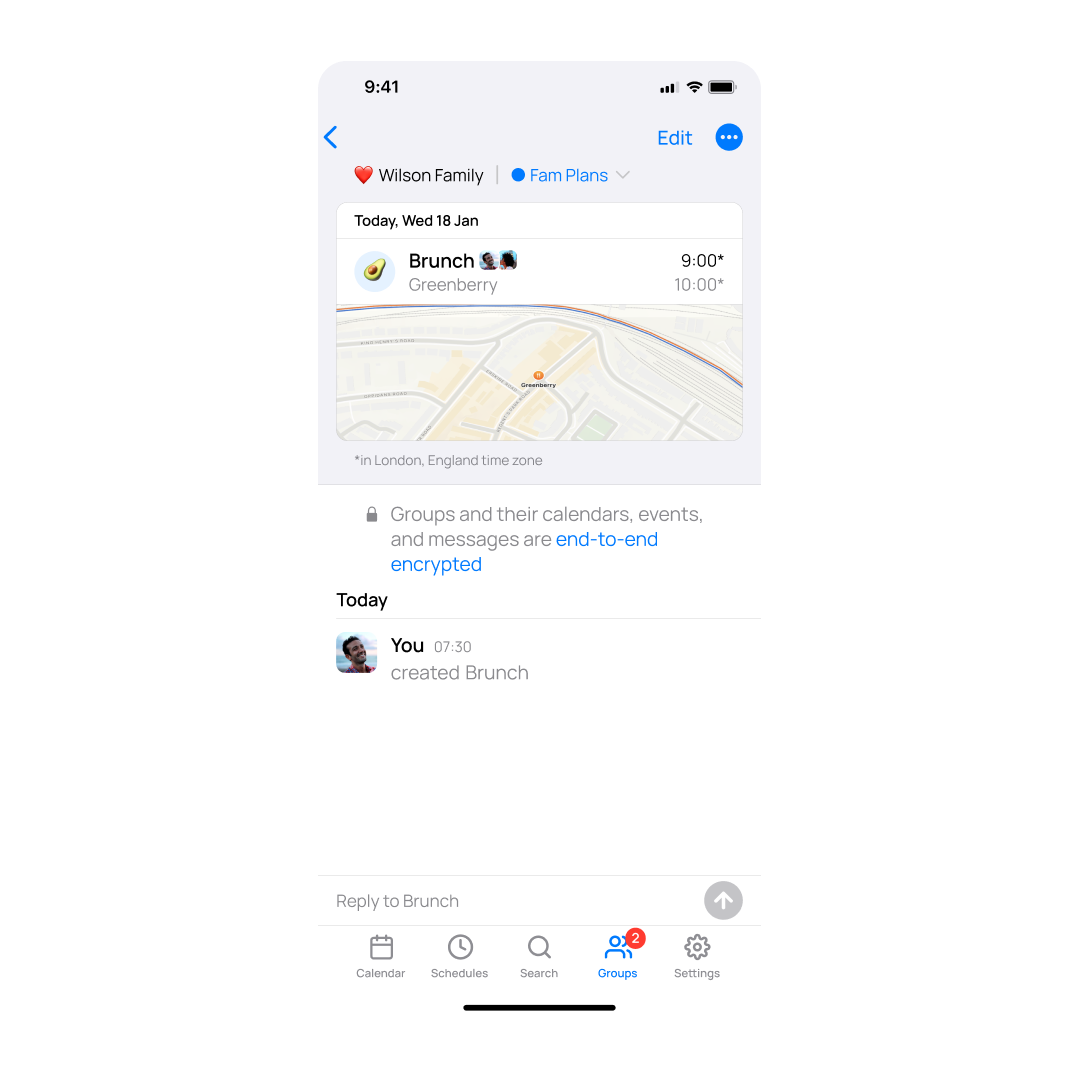
When a time zone is overridden, you’ll see an asterisk next to the event time — a clear visual cue that the event is shown in a custom time zone.
Just look for the new Time Zone option in the event scheduling screen to get started.
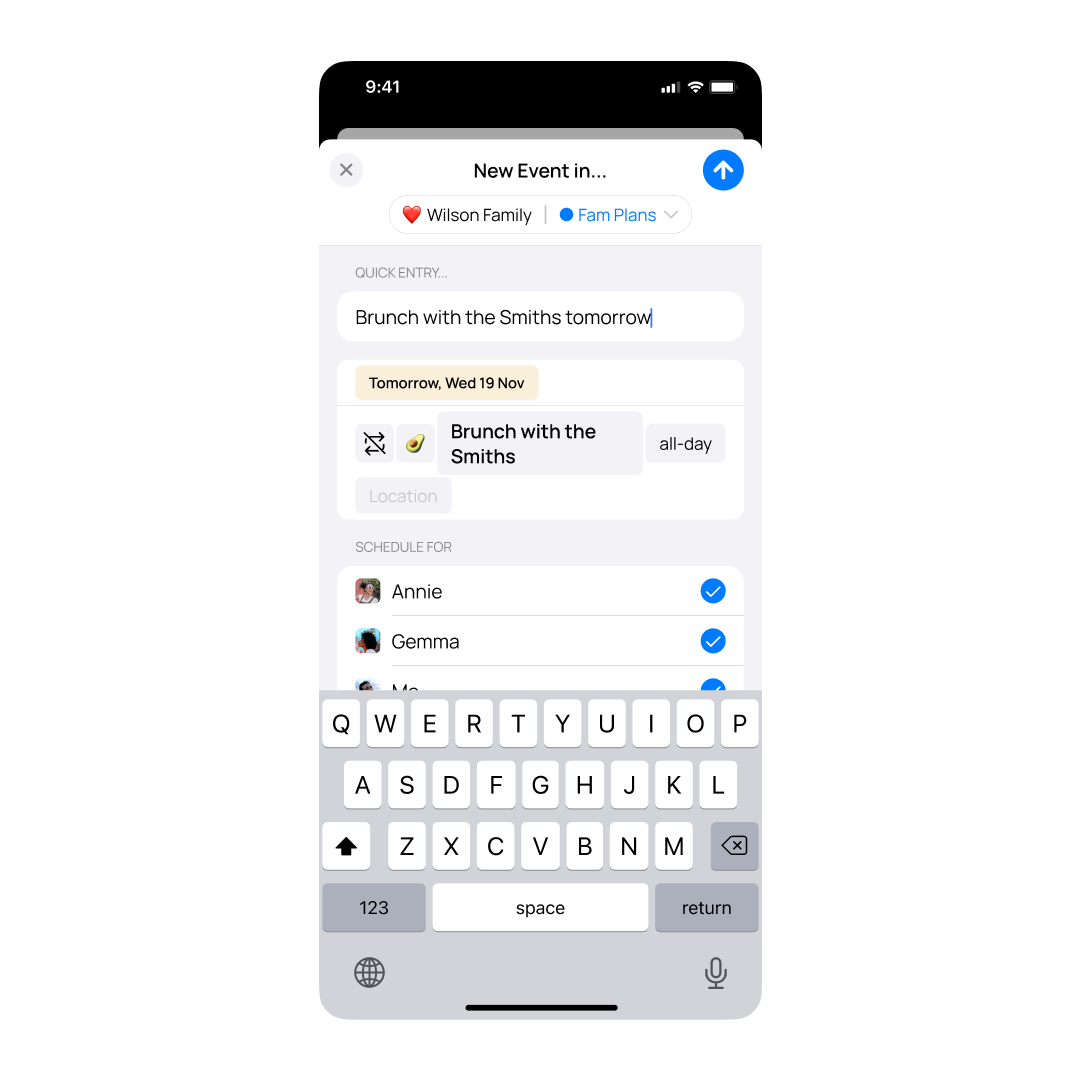
We fixed a performance issue that was causing lag in the New Event screen. Quick Entry is now five times faster and parses your input in just 20ms — adding events feels instant again.
April 18, 2025
This release contains minor fixes and improvements
April 16, 2025
You can now view and manage all your groups directly from the Settings screen. A new “Groups” row has been added, leading to a dedicated Groups Settings screen where you can see your groups, access their info screens, and create new ones—all without leaving Settings. This update makes group features more discoverable and helps reduce confusion around group administration.
This release contains minor fixes and improvements
April 10, 2025
To help you avoid mix-ups when inviting people, you can no longer create two groups with the same name in your account. If you try to reuse a name you’ve already used (like “Family” or “Trip”), you’ll be asked to choose something different. Emojis are still totally fine to reuse — it’s just the name that needs to be unique.
OurCal now automatically respects your phone’s system setting for the first day of the week—whether that’s Sunday, Monday, or another preference. This ensures a seamless and consistent calendar experience across apps without needing to configure it separately in OurCal.
To change this preference on your phone, go to Settings → System → Languages & input → Languages → Regional preferences, then choose your preferred week start day. Make sure your device is running Android 14 or later to take advantage of this improvement.
OurCal has always flagged unsent messages—like event updates that failed due to bad network conditions—but until now, those errors were easy to miss. With this update, we’re making them unmissable. If a message fails to send (not just waiting offline), you’ll now see a prominent “Failed To Send” alert when the app opens or regains focus, so you can quickly jump to the affected group and get things back on track. Same smart detection, now with louder alerts.
March 24, 2025
This release contains minor fixes and improvements for Android only.
March 14, 2025
This release contains minor fixes and improvements
March 5, 2025
This release contains minor fixes and improvements
February 24, 2025
This release contains minor fixes and improvements
February 21, 2025
This release contains minor fixes and improvements
February 20, 2025
This release contains minor fixes and improvements